/
/
AI Content Creation Tools: 25 Picks for Writing, Video and Ads
AI Content Creation Tools: 25 Picks for Writing, Video and Ads
5 min
read
AI Content Creation Tools: 25 Picks for Writing, Video and Ads
AI Content Creation Tools: 25 Picks for Writing, Video and Ads
Ai
Content

Author

Scroll down
to read more!
Summerize with ChatGPT
Summerize with Gemini
Summerize with Claude
AI Content Creation Tools: 25 Picks for Writing, Video and Ads
AI Content Creation Tools: 25 Picks for Writing, Video and Ads
A working list of AI content creation tools for writing, design, video, social, Meta ads and Google Ads, with what each one is genuinely good at. ai content creation tools
A working list of AI content creation tools for writing, design, video, social, Meta ads and Google Ads, with what each one is genuinely good at. ai content creation tools
The best AI content creation tools are the ones that fit a specific job in your workflow. For writing, that is ChatGPT, Claude, Jasper, Surfer SEO and Grammarly. For visuals, Midjourney, Adobe Firefly, Canva Magic Studio and Ideogram. For video, Runway, Synthesia, HeyGen, Descript and OpusClip. For social, Buffer, Hootsuite, Sprout Social and Predis.ai. For paid media, Meta Advantage+, Google Performance Max, AdCreative.ai and Madgicx. For growth operations, HubSpot Breeze, Notion AI and Zapier.
There is no single best AI tool for content creation, and anyone selling you one is selling you a subscription. What works is a small stack of three or four tools that cover writing, visuals, video and distribution, connected by a process that a human actually owns.
This list is organised by job, not by hype. Each tool gets what it is good at, who it suits and where it falls down.
The six layers most content teams cover with AI tools
Key takeaways
|
What are AI content creation tools?
AI content creation tools are software that generates or assists with marketing assets: written copy, images, video, audio, social posts and ad creative. Some generate from scratch. Some edit, score or automate work you have already made. Most modern platforms do a bit of both.
The useful way to group them is by the stage of production they sit in.
Layer | What it does | Tools in this list |
|---|---|---|
Writing and SEO | Drafts, edits, briefs, on-page structure | ChatGPT, Claude, Jasper, Surfer SEO, Grammarly |
Image and design | Concepts, campaign visuals, social graphics | Midjourney, Adobe Firefly, Canva Magic Studio, Ideogram |
Video and UGC | Generated video, avatars, editing, clipping | Runway, Synthesia, HeyGen, Descript, OpusClip |
Social media | Scheduling, captions, listening, reporting | Buffer, Hootsuite, Sprout Social, Predis.ai |
Paid ads | Ad creative, automation, performance analysis | Meta Advantage+, Google Performance Max, AdCreative.ai, Madgicx |
Growth operations | CRM, knowledge, workflow automation | HubSpot Breeze, Notion AI, Zapier |
The best AI content creation tools are the ones that fit a specific job in your workflow. For writing, that is ChatGPT, Claude, Jasper, Surfer SEO and Grammarly. For visuals, Midjourney, Adobe Firefly, Canva Magic Studio and Ideogram. For video, Runway, Synthesia, HeyGen, Descript and OpusClip. For social, Buffer, Hootsuite, Sprout Social and Predis.ai. For paid media, Meta Advantage+, Google Performance Max, AdCreative.ai and Madgicx. For growth operations, HubSpot Breeze, Notion AI and Zapier.
There is no single best AI tool for content creation, and anyone selling you one is selling you a subscription. What works is a small stack of three or four tools that cover writing, visuals, video and distribution, connected by a process that a human actually owns.
This list is organised by job, not by hype. Each tool gets what it is good at, who it suits and where it falls down.
The six layers most content teams cover with AI tools
Key takeaways
|
What are AI content creation tools?
AI content creation tools are software that generates or assists with marketing assets: written copy, images, video, audio, social posts and ad creative. Some generate from scratch. Some edit, score or automate work you have already made. Most modern platforms do a bit of both.
The useful way to group them is by the stage of production they sit in.
Layer | What it does | Tools in this list |
|---|---|---|
Writing and SEO | Drafts, edits, briefs, on-page structure | ChatGPT, Claude, Jasper, Surfer SEO, Grammarly |
Image and design | Concepts, campaign visuals, social graphics | Midjourney, Adobe Firefly, Canva Magic Studio, Ideogram |
Video and UGC | Generated video, avatars, editing, clipping | Runway, Synthesia, HeyGen, Descript, OpusClip |
Social media | Scheduling, captions, listening, reporting | Buffer, Hootsuite, Sprout Social, Predis.ai |
Paid ads | Ad creative, automation, performance analysis | Meta Advantage+, Google Performance Max, AdCreative.ai, Madgicx |
Growth operations | CRM, knowledge, workflow automation | HubSpot Breeze, Notion AI, Zapier |

Writing is where most teams start, and where the quality gap between good and bad use shows up fastest. These five cover drafting, brand voice, search structure and final proofing.
ChatGPT
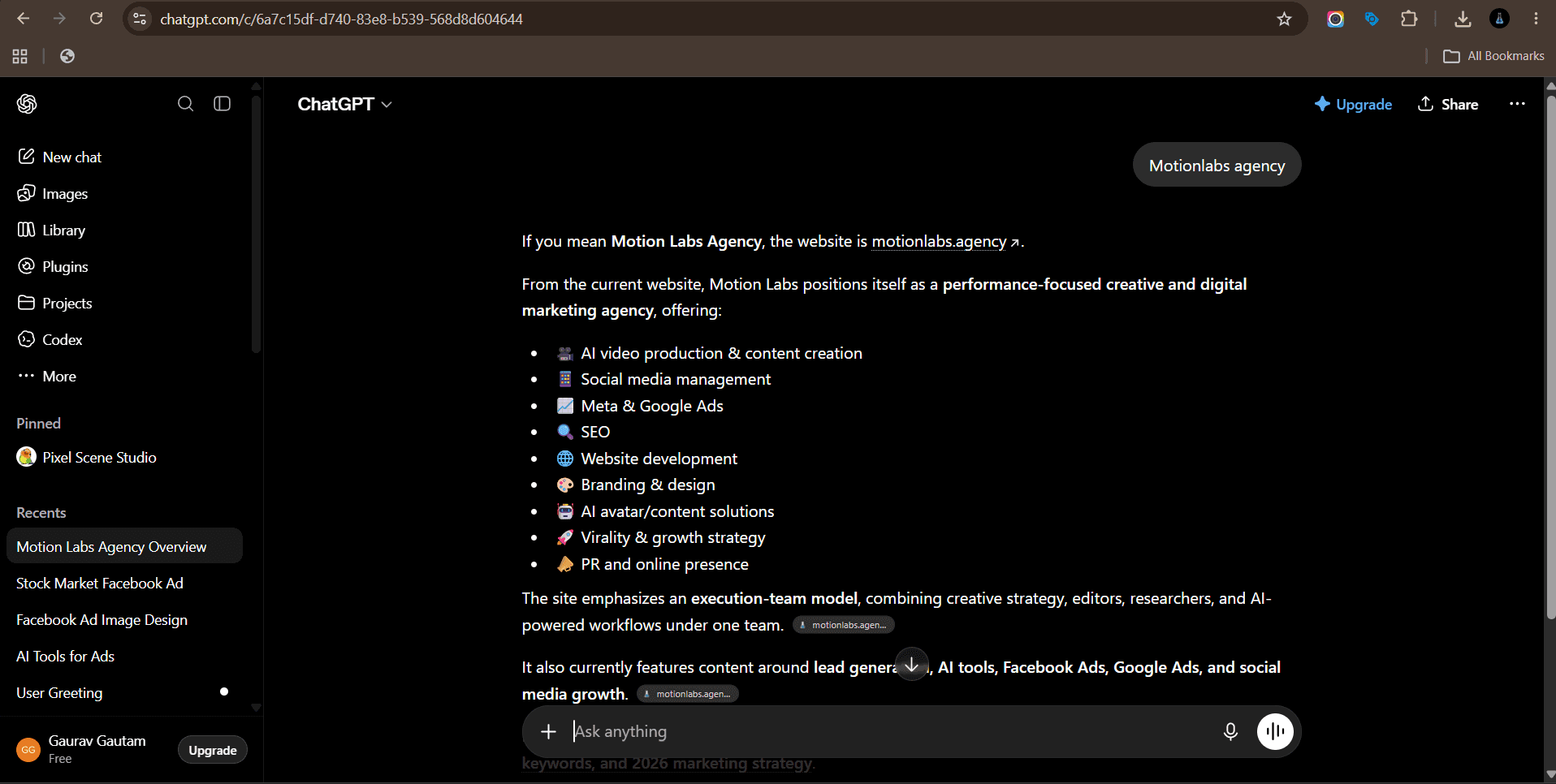
ChatGPT: fast drafting, repurposing and idea volume.
Everyone starts here, and for good reason. ChatGPT handles first drafts, outlines, research summaries and rewrites across almost any format. Feed it a transcript and it will pull ten social posts out of it. Feed it your last five email subject lines and it will give you twenty more in the same voice.
Where it earns its keep is repurposing. One webinar recording becomes a blog post, a LinkedIn carousel, six short captions and a newsletter, all inside an hour.
Best for: fast drafting, repurposing and idea volume.
Watch out for: generic phrasing when you prompt lazily. Give it real examples of your writing or you get filler.
Claude
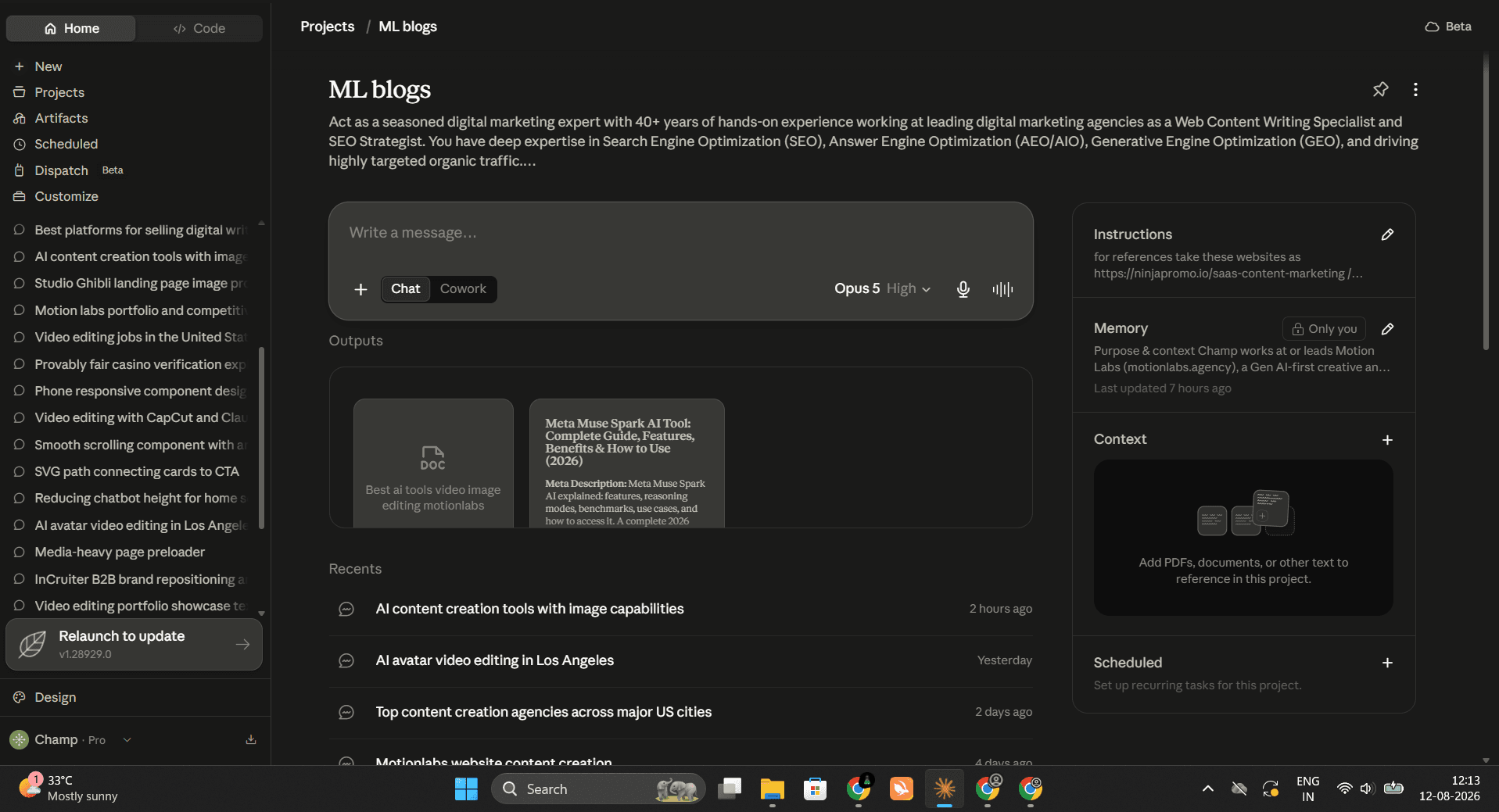
Claude: long documents, brand voice matching and heavy editing.
Claude holds long context well, which matters when you are working with full transcripts, brand guidelines and old blog archives at the same time. It follows structural instructions closely, so if you tell it your H2s must be phrased as search queries, it holds that rule across a 3,000 word piece.
Teams tend to use it for editing more than generating. Paste a draft, give it a voice brief, and ask it to cut everything that sounds like a press release.
Best for: long documents, brand voice matching and heavy editing.
Watch out for: it will happily produce polished text around a weak idea. The idea is still your job.
Jasper
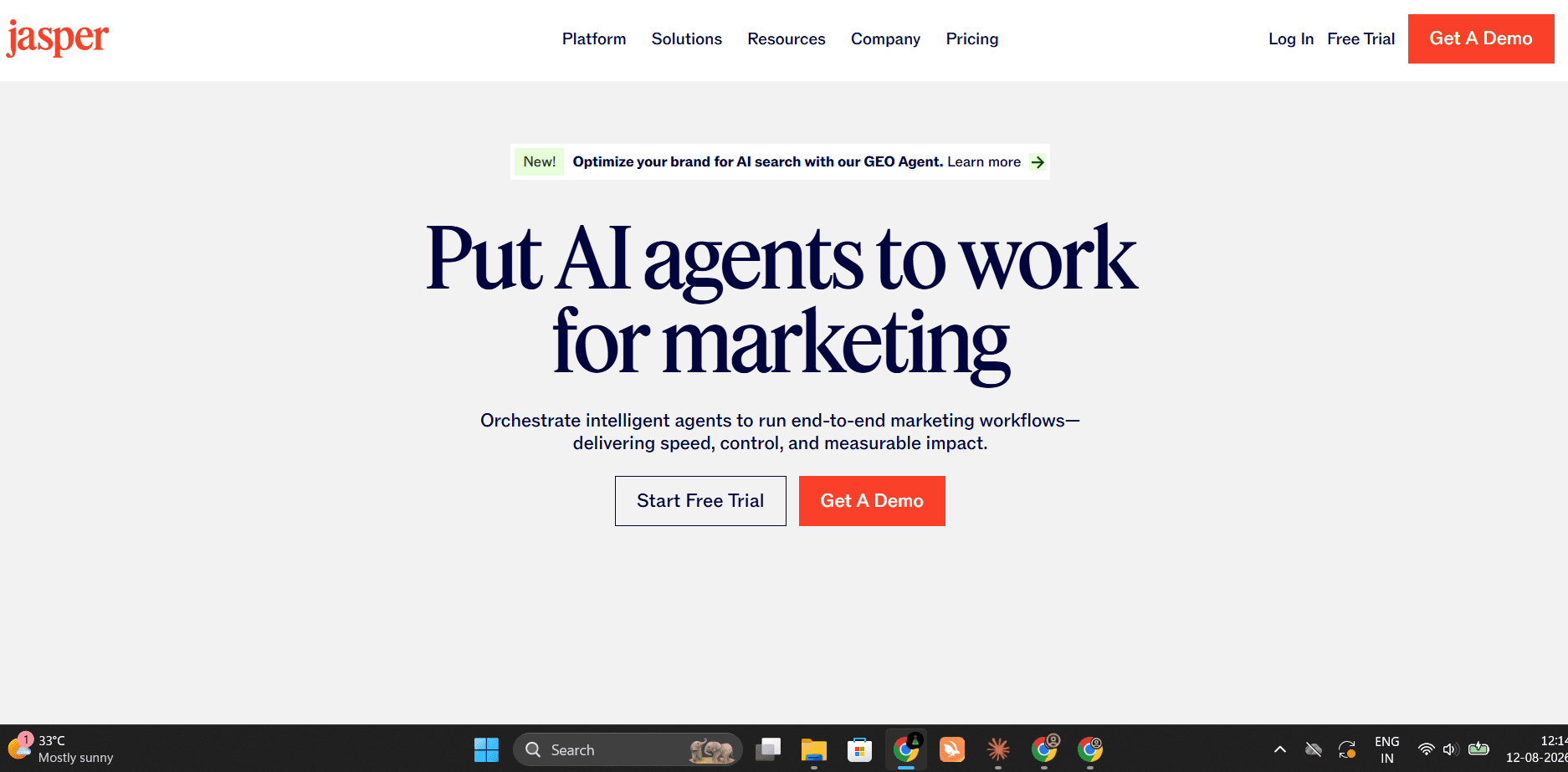
Jasper: marketing teams that need one voice across many writers.
Jasper is built for marketing teams rather than general use. You load brand voice, style rules and audience profiles once, then every output runs through them. Campaign workflows let you generate a full set of assets from a single brief.
It matters most when several writers need consistent output. Instead of each person prompting differently, the voice settings do the standardising.
Best for: marketing teams that need one voice across many writers.
Watch out for: you still need a strong voice guide. Weak inputs make the brand controls decorative.
Surfer SEO
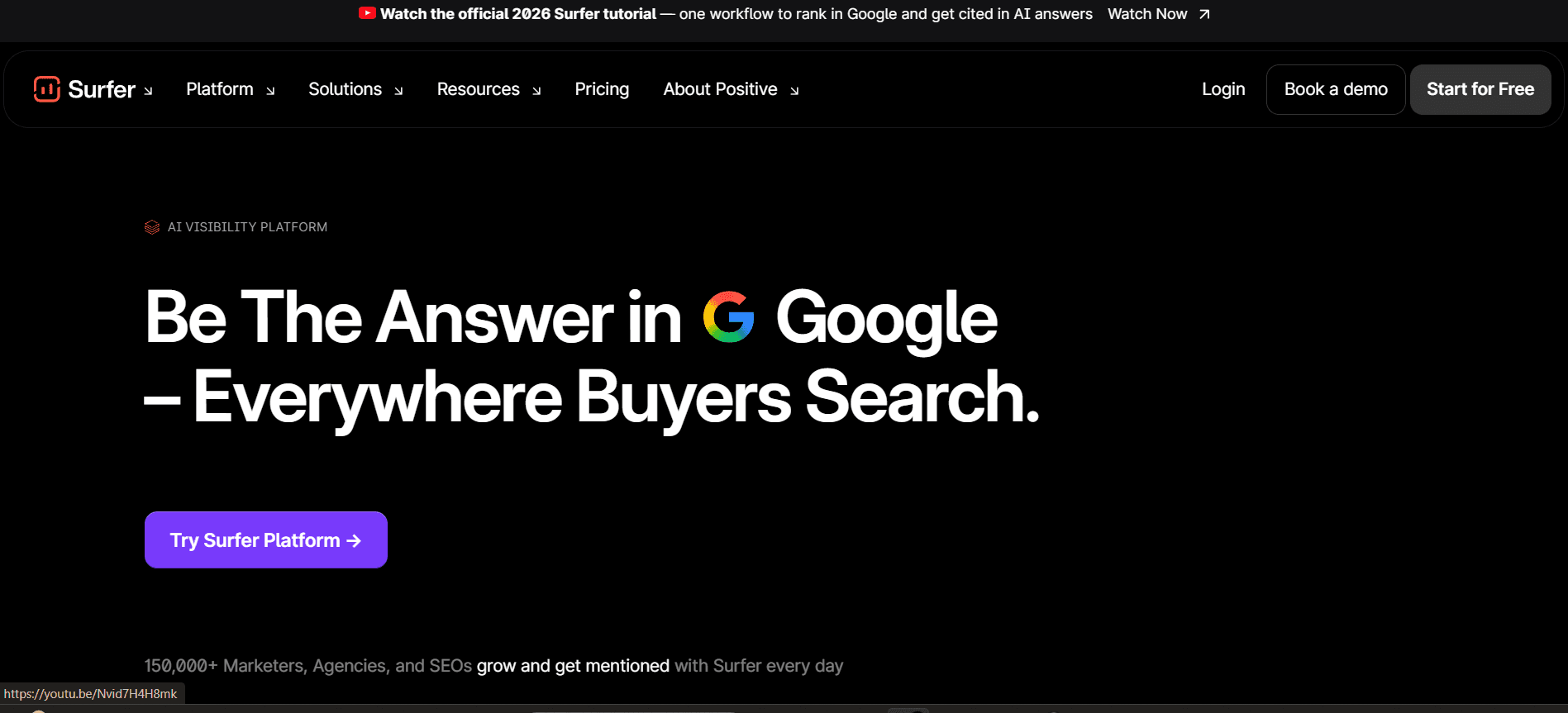
Surfer SEO: on-page structure and topical coverage checks.
Surfer analyses what is already ranking for your keyword and builds a brief around it: word count range, headings to cover, terms to include and questions people ask. As you write, it scores coverage in real time.
Treat the score as a floor, not a target. Hitting 90 means you covered the topic. It does not mean the piece is worth reading.
Best for: on-page structure and topical coverage checks.
Watch out for: chasing the score. Over-optimised copy reads like a keyword list with punctuation.
Grammarly
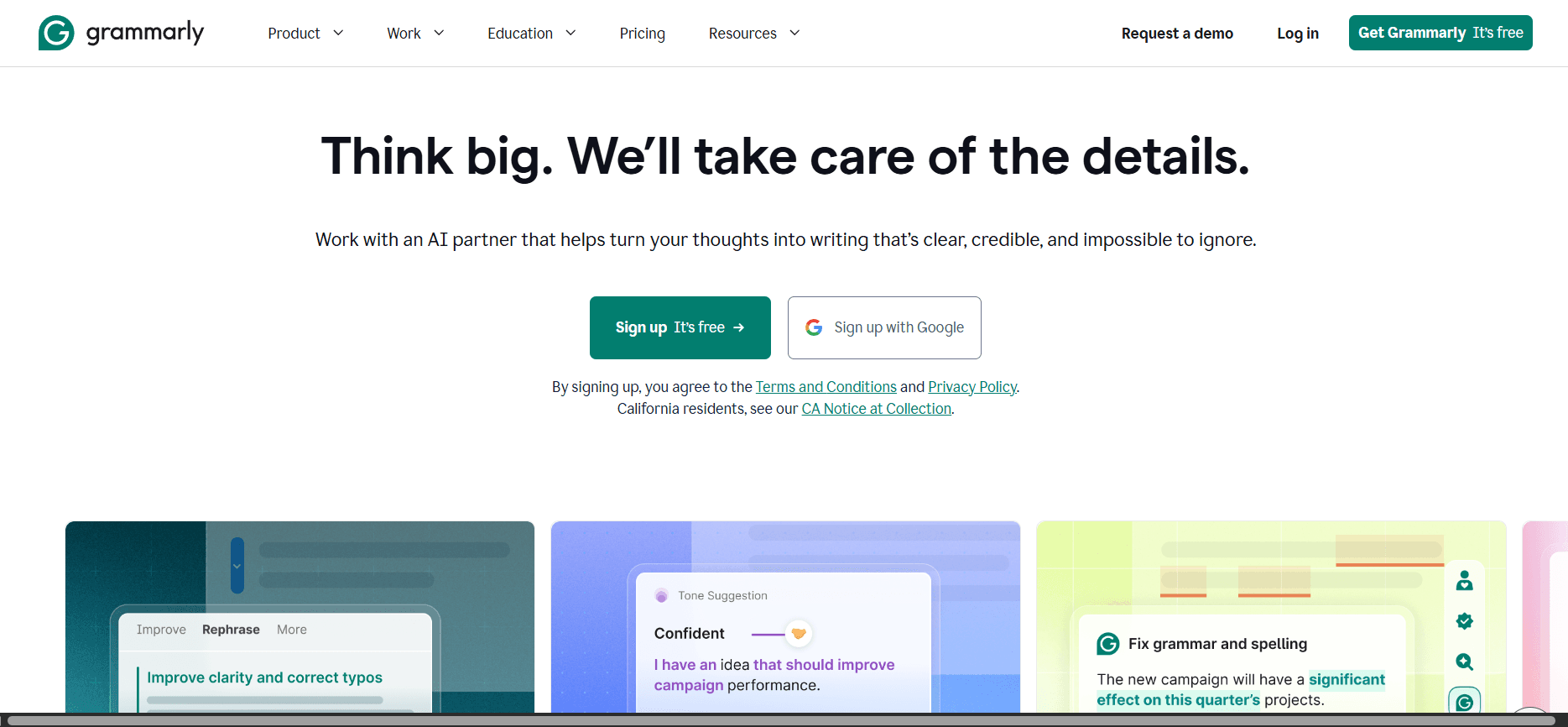
Grammarly: final proofing and tone consistency.
The last pass before publishing. Grammarly catches the small things that make content look unedited: tense drift, repeated sentence openers, tone that swings from casual to corporate in the same paragraph.
For teams publishing several pieces a week, the tone consistency check does more work than the grammar check.
Best for: final proofing and tone consistency.
Watch out for: accepting every suggestion. It will sand down the sentences that give writing character.
What are the best AI tools for images and design?
Visual output is now the bottleneck for most content teams. You can write ten posts in a morning and still wait three days for the graphics. These four close that gap in different ways.
Midjourney
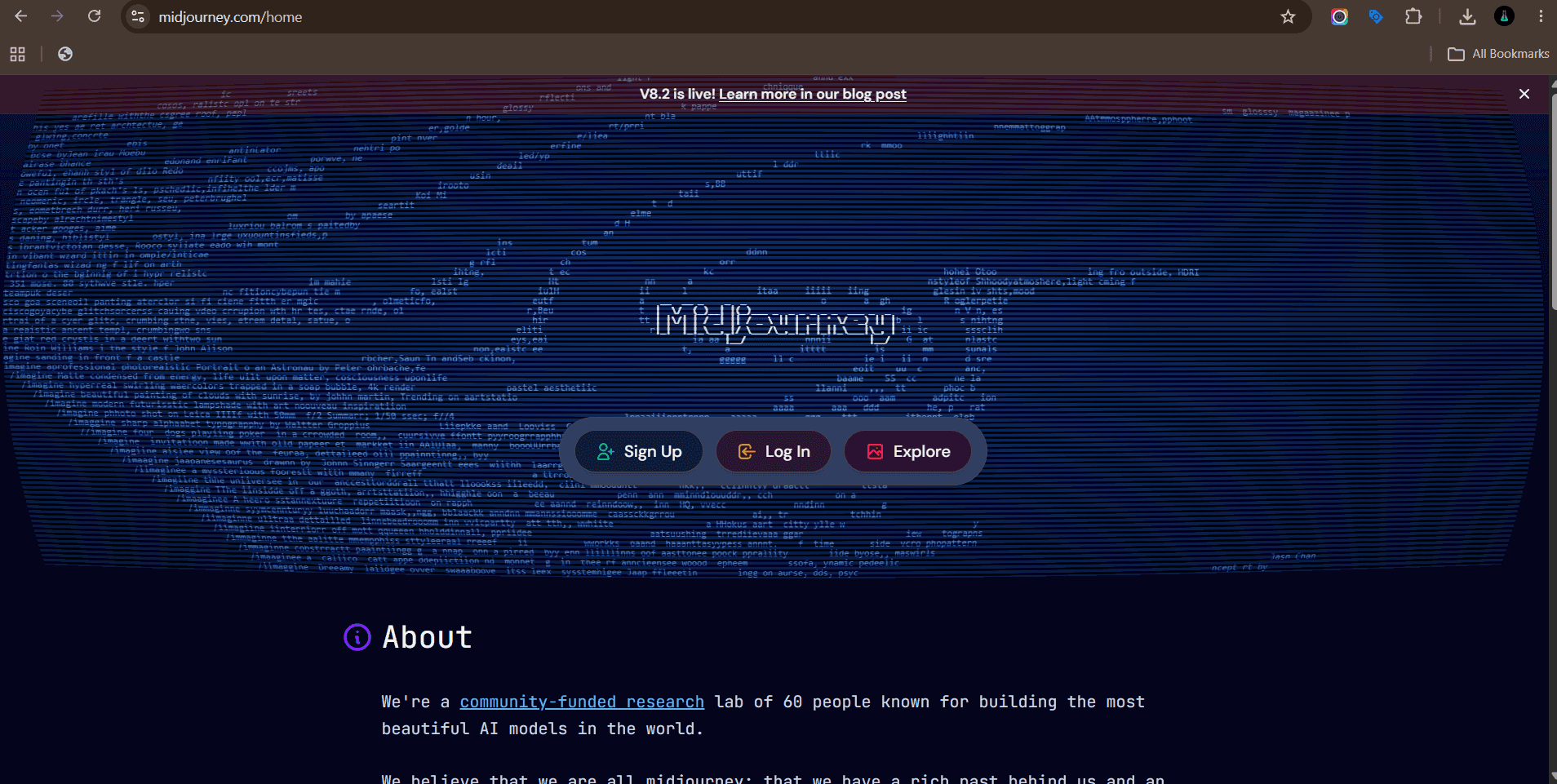
Midjourney: concept art, campaign visuals and mood boards.
Still the strongest option for stylised visuals. Campaign key art, abstract backgrounds, concept frames for a video shoot, mood boards for a client pitch. The output has a look that stock libraries cannot match.
Most teams use it upstream. Generate directions, pick one, then hand it to a designer to finish properly.
Best for: concept art, campaign visuals and mood boards.
Watch out for: brand consistency. Getting the same style twice takes reference images and careful prompting.
Adobe Firefly
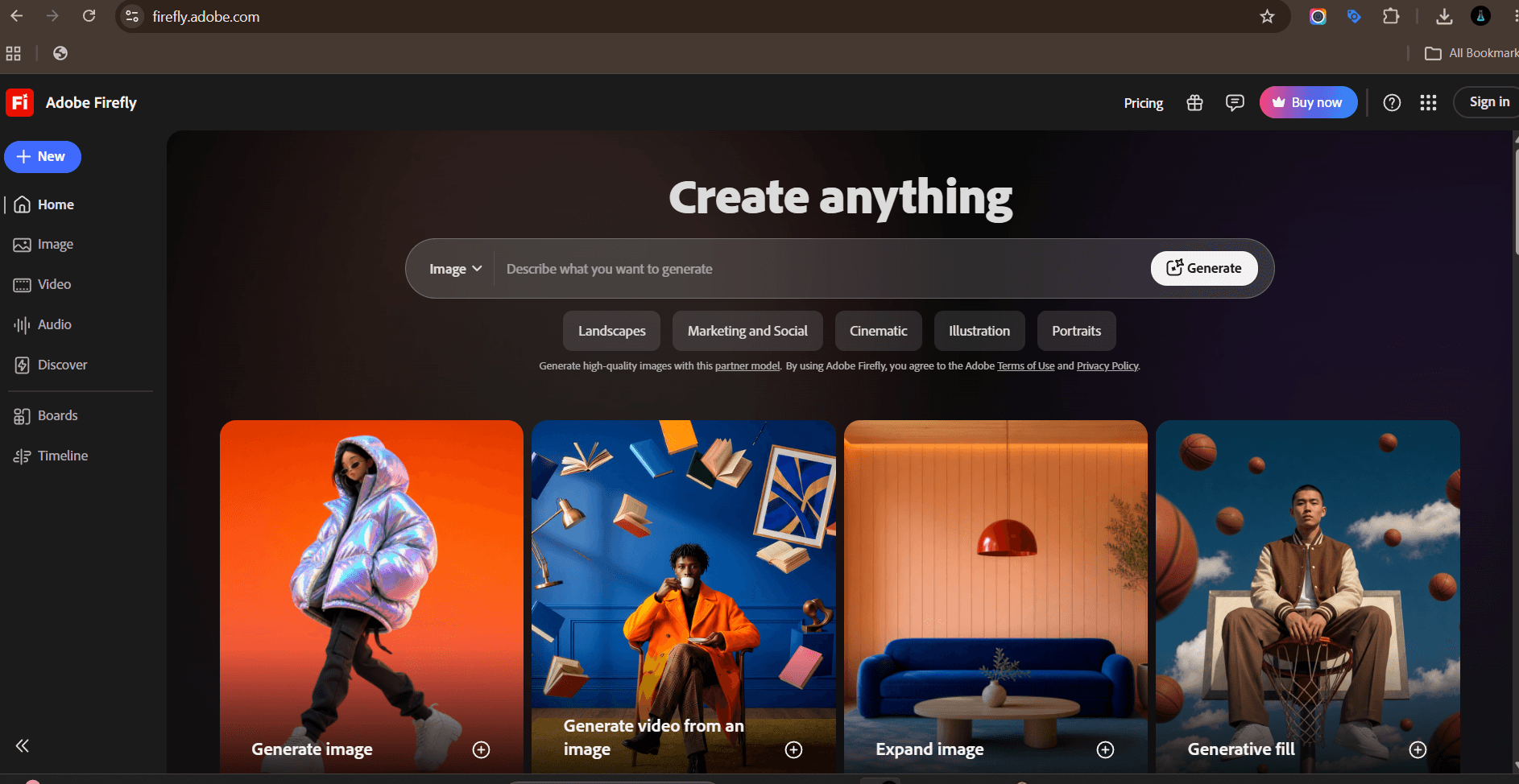
Adobe Firefly: production work inside an existing Adobe workflow.
Firefly sits inside Photoshop, Illustrator and Express, so generation happens where the design work already lives. Generative fill for extending backgrounds, generative expand for resizing a hero image across placements, text effects for campaign graphics.
The commercial licensing position is the reason many brand and legal teams approve Firefly before anything else. Check the current terms with Adobe directly before you assume coverage.
Best for: production work inside an existing Adobe workflow.
Watch out for: it is less adventurous stylistically than Midjourney.
Canva Magic Studio
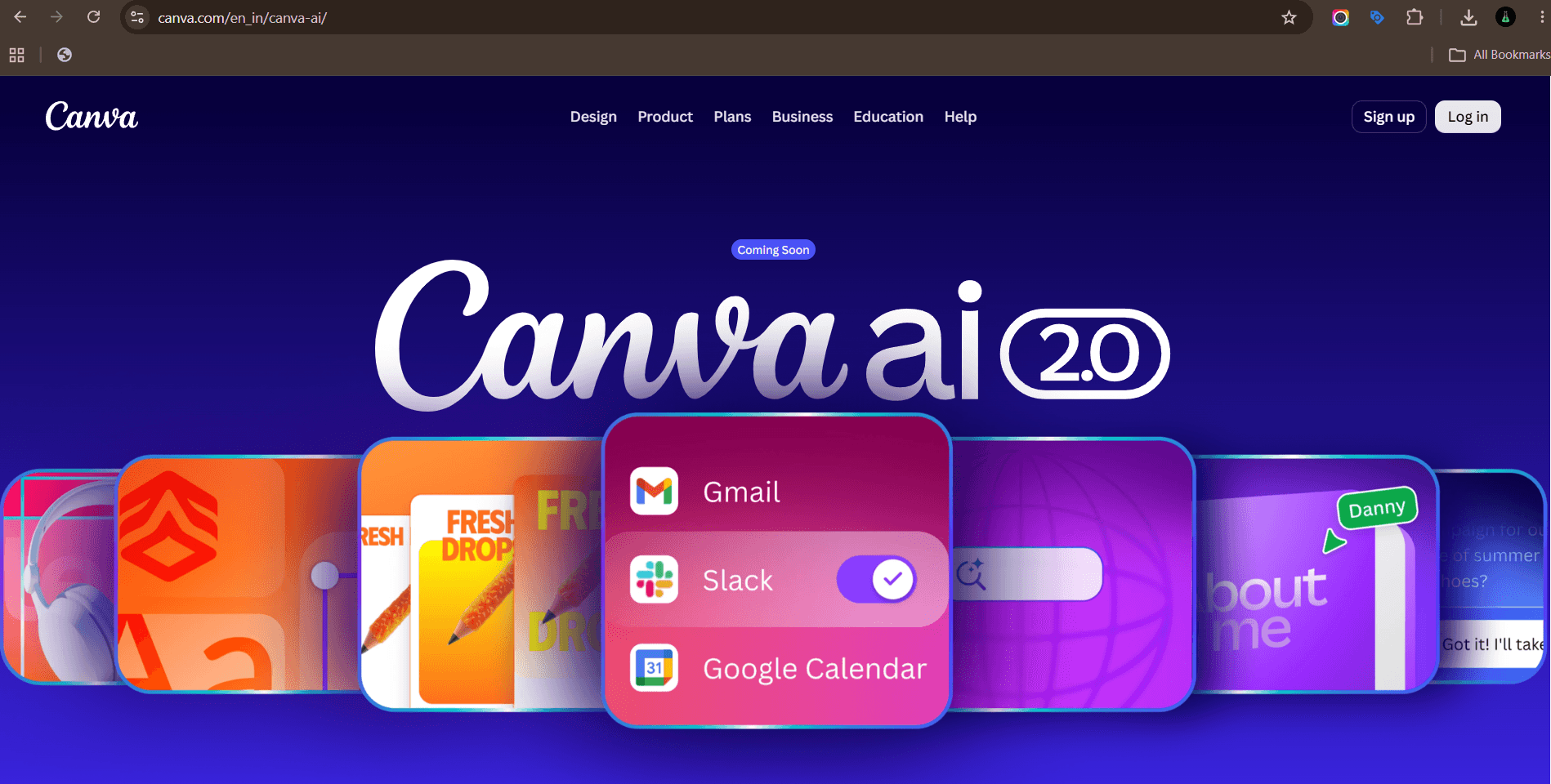
Canva Magic Studio: social teams and non-designers shipping high volume.
Canva turned into an AI suite without losing the thing that made it useful: templates that non-designers can actually finish. Magic Write drafts copy in a design, Magic Switch resizes one asset into every placement, background remover and magic eraser handle the edits that used to need Photoshop.
For social teams shipping daily, the resize function alone saves hours a week.
Best for: social teams and non-designers shipping high volume.
Watch out for: template sameness. Everyone has access to the same starting points.
Ideogram
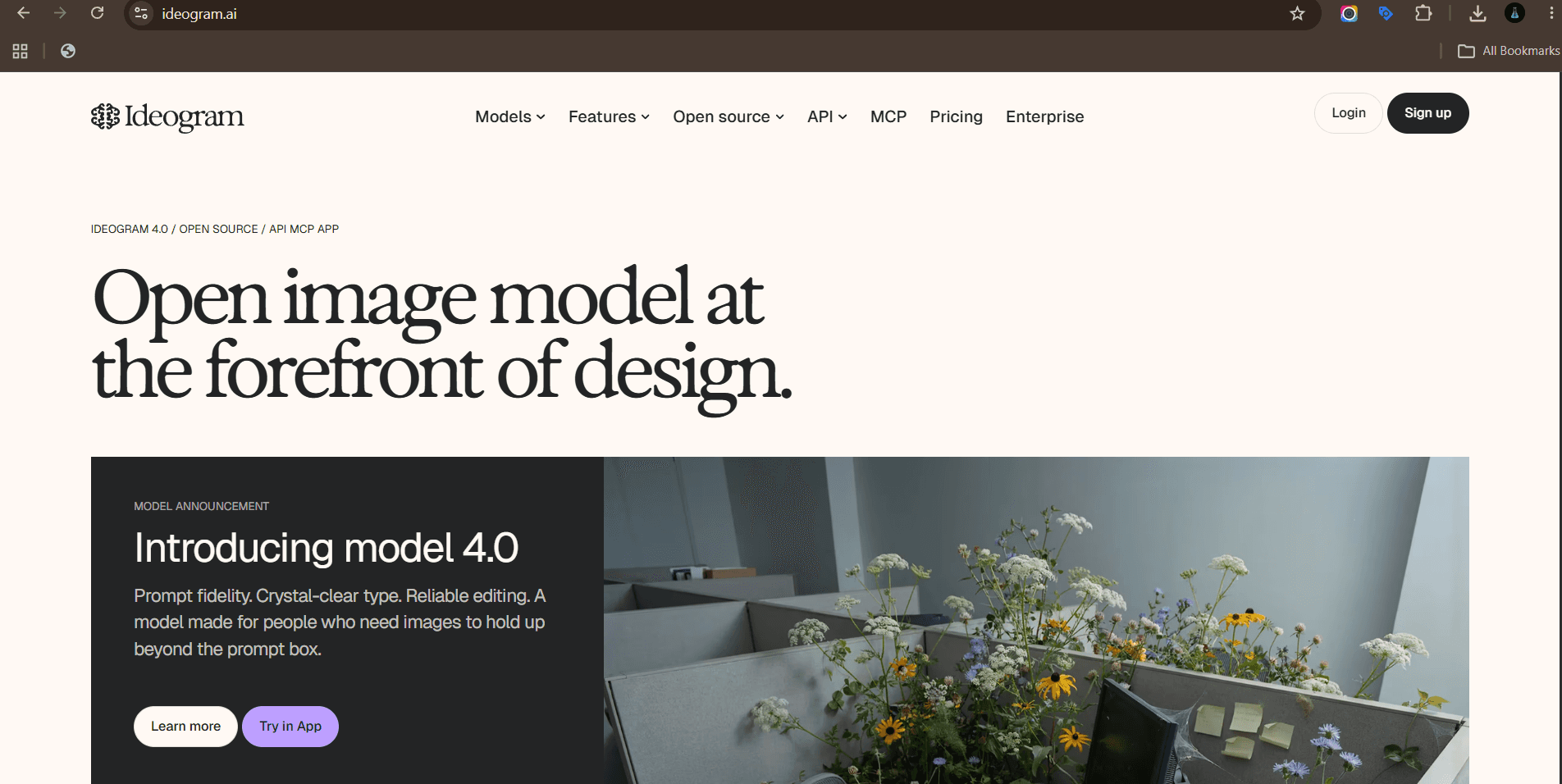
Ideogram: image concepts that need legible text.
The specific problem Ideogram solves is text inside images. Most generators mangle words. Ideogram renders readable typography, which makes it useful for ad concepts, poster mockups, logo directions and thumbnail text.
It will not replace a designer for final assets, but it gets a concept in front of a client fast.
Best for: image concepts that need legible text.
Watch out for: fine typography control. Kerning and hierarchy still need a real design tool.
Which AI tools create video and UGC content?
Video is the highest cost format and the one AI has changed most. The tools split into generation, presenters, editing and clipping. Most teams need two of the four, not all five.
Runway
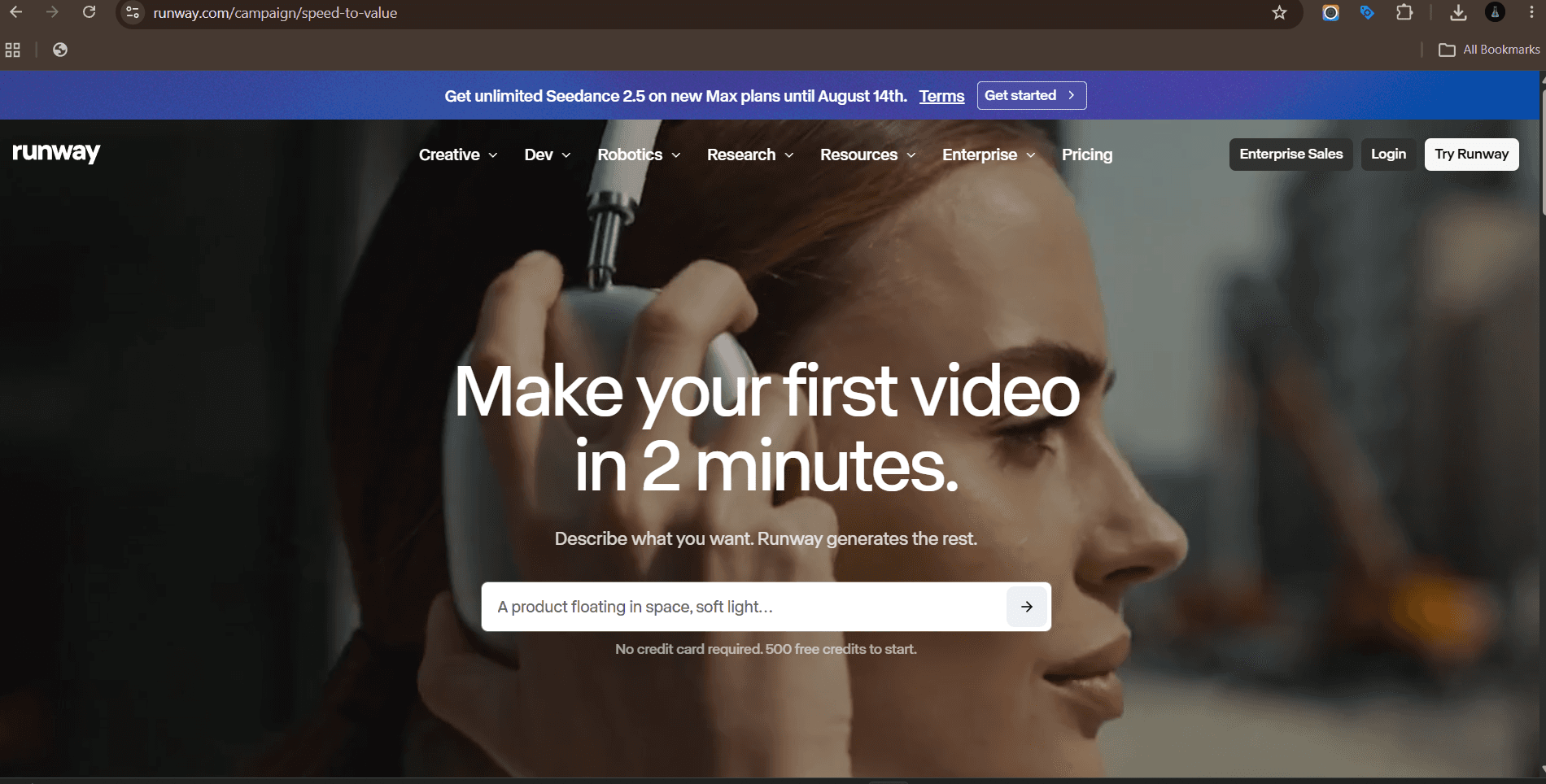
Runway: generated B-roll, motion and video effects.
Text to video, image to video, and a set of editing tools that go beyond generation: background removal without a green screen, motion tracking, frame interpolation, inpainting on video.
The practical use in marketing is B-roll and transitions. Generating a full narrative ad from a prompt is still unreliable. Generating five seconds of abstract motion for a product reveal is not.
Best for: generated B-roll, motion and video effects.
Watch out for: shot consistency across a sequence. Plan for iteration.
Synthesia
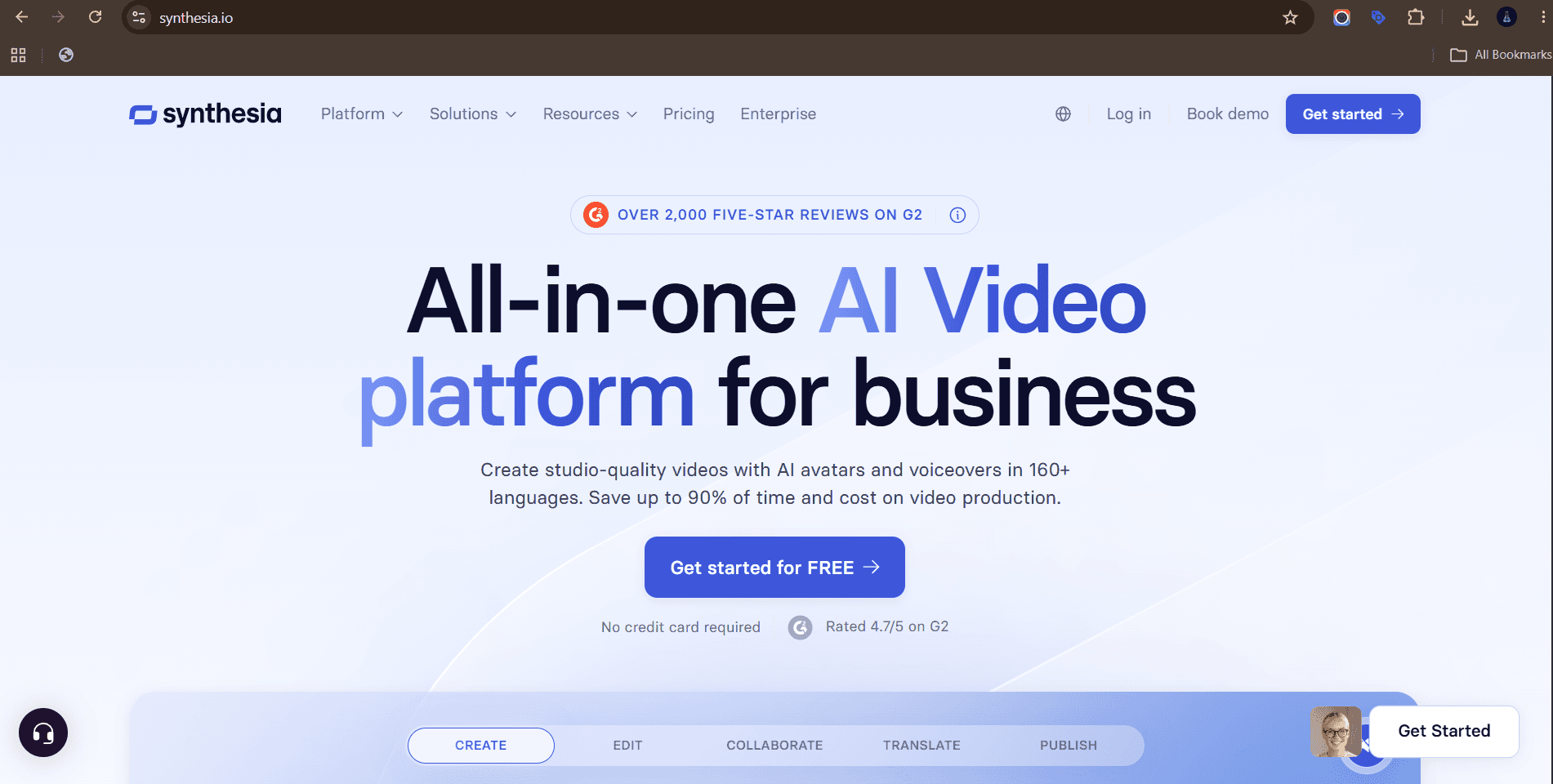
Synthesia: explainer and training video at scale, especially multilingual.
Script in, presenter video out, in a long list of languages. Product explainers, internal training, onboarding sequences and localised versions of the same video without rebooking a shoot.
The economics change when you need one video in eight languages. That is a shoot and eight edits, or one script and eight renders.
Best for: explainer and training video at scale, especially multilingual.
Watch out for: it reads as corporate. It is not the right tool for creator-style social content.
HeyGen
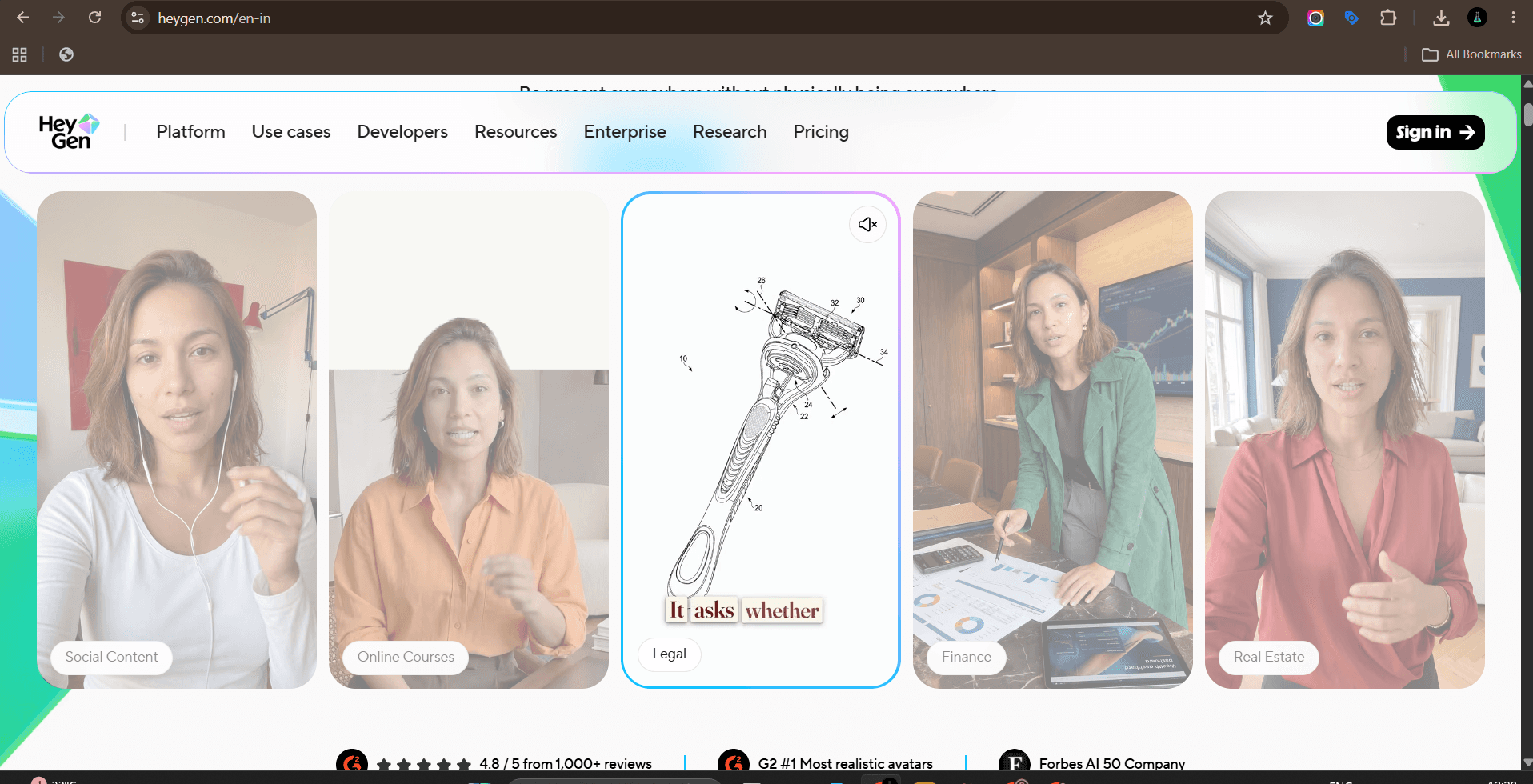
HeyGen: UGC style ad variants and video localisation.
HeyGen leans towards social. Avatar UGC ads that look like a person talking to camera, video translation with lip sync, and custom avatars trained on your own footage or a client spokesperson.
For paid social testing this is the volume unlock. Fifteen hook variations of the same script, each with a different presenter, in an afternoon.
Best for: UGC style ad variants and video localisation.
Watch out for: disclosure. Be clear when a spokesperson is synthetic, and get written consent for any real likeness.
Descript
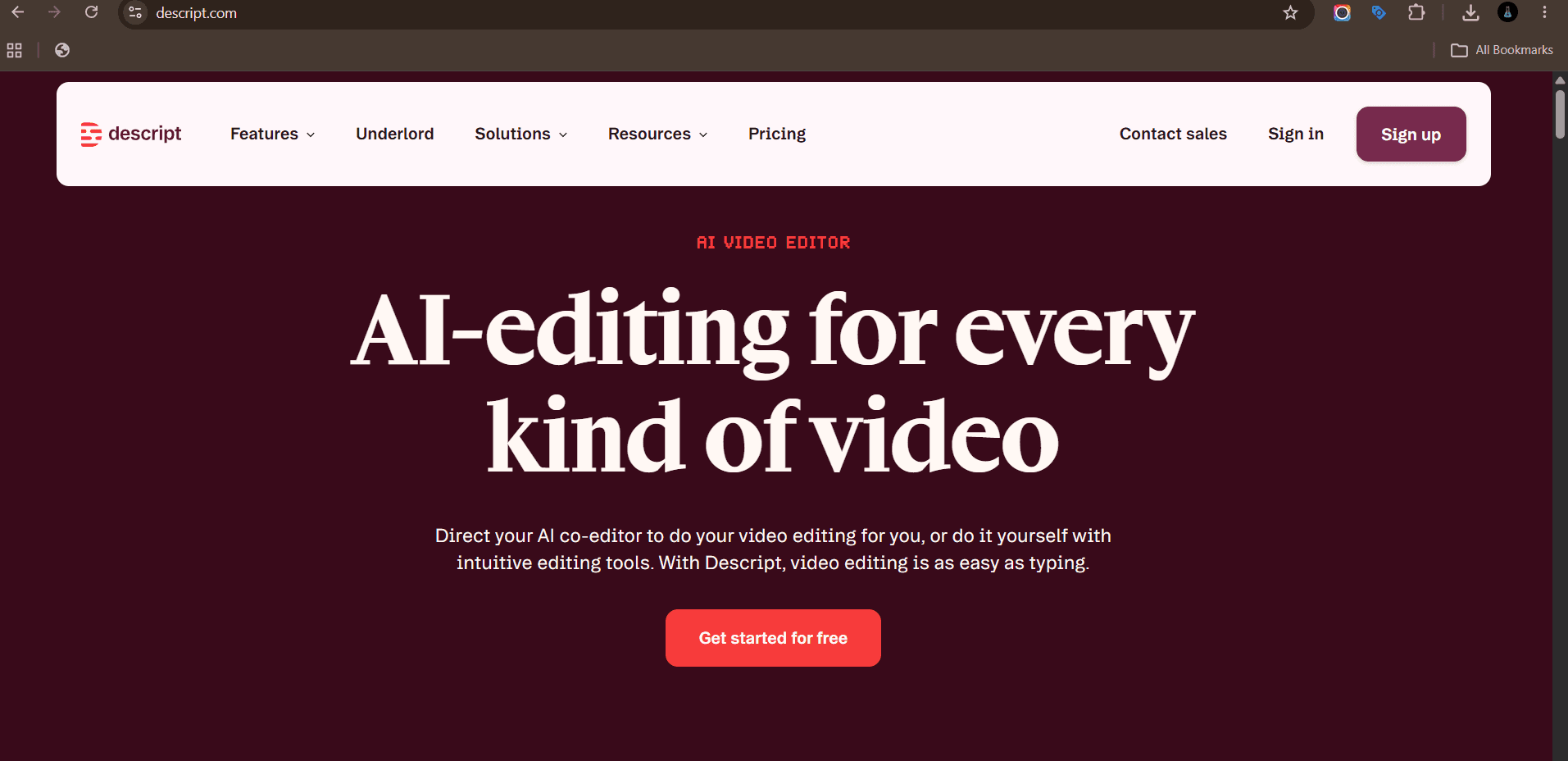
Descript: talking head, podcast and interview editing.
Descript transcribes your video and lets you edit it like a document. Delete a sentence in the transcript and it disappears from the timeline. Filler word removal, studio sound cleanup, eye contact correction and clip generation all sit in the same place.
For podcast and interview content it removes the slowest part of the process.
Best for: talking head, podcast and interview editing.
Watch out for: heavy edits can leave audible jump cuts. Listen back before publishing.
OpusClip
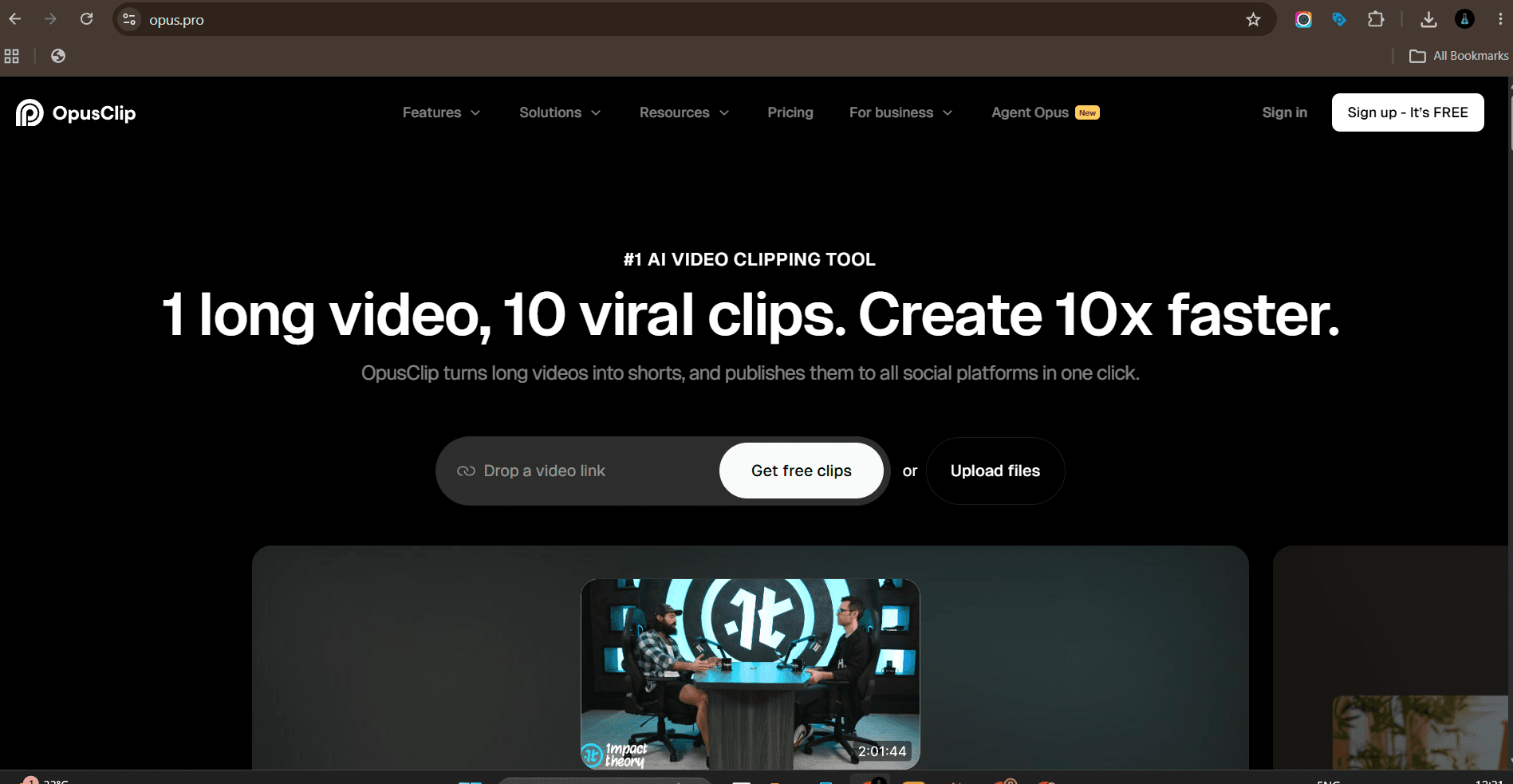
OpusClip: turning long video into short form at volume.
Upload a long video and get vertical clips back with captions, reframing and a ranking of which moments are most likely to perform. It is the fastest route from one webinar to a month of short form.
The clip selection is a starting point. A human still picks the ones that match the brand and fixes the caption timing.
Best for: turning long video into short form at volume.
Watch out for: clips that cut mid-thought. Always review before scheduling.
What are the best AI tools for social media?
Social tools are less about generating content and more about keeping a calendar full without a person doing manual work all day. Scheduling, captioning, listening and reporting.
Buffer
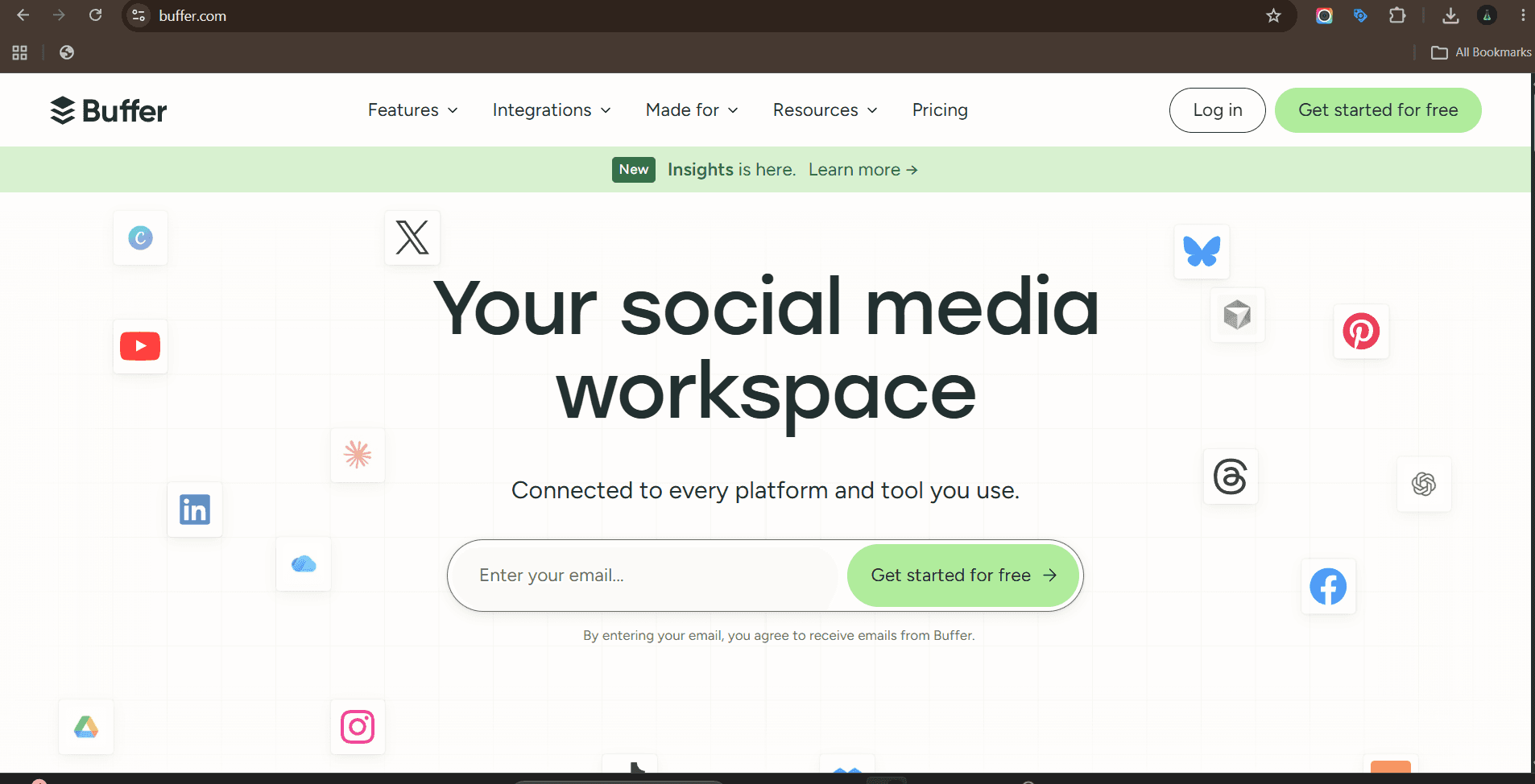
Buffer: small teams and solo marketers who want scheduling plus light AI help.
Scheduling with an AI assistant attached. Draft a post, ask for three variations, adapt the same idea for each network, then queue everything against a posting schedule.
Buffer stays useful because it is simple. Small teams do not need enterprise social software, they need a queue that works.
Best for: small teams and solo marketers who want scheduling plus light AI help.
Watch out for: shallow analytics compared with enterprise platforms.
Hootsuite
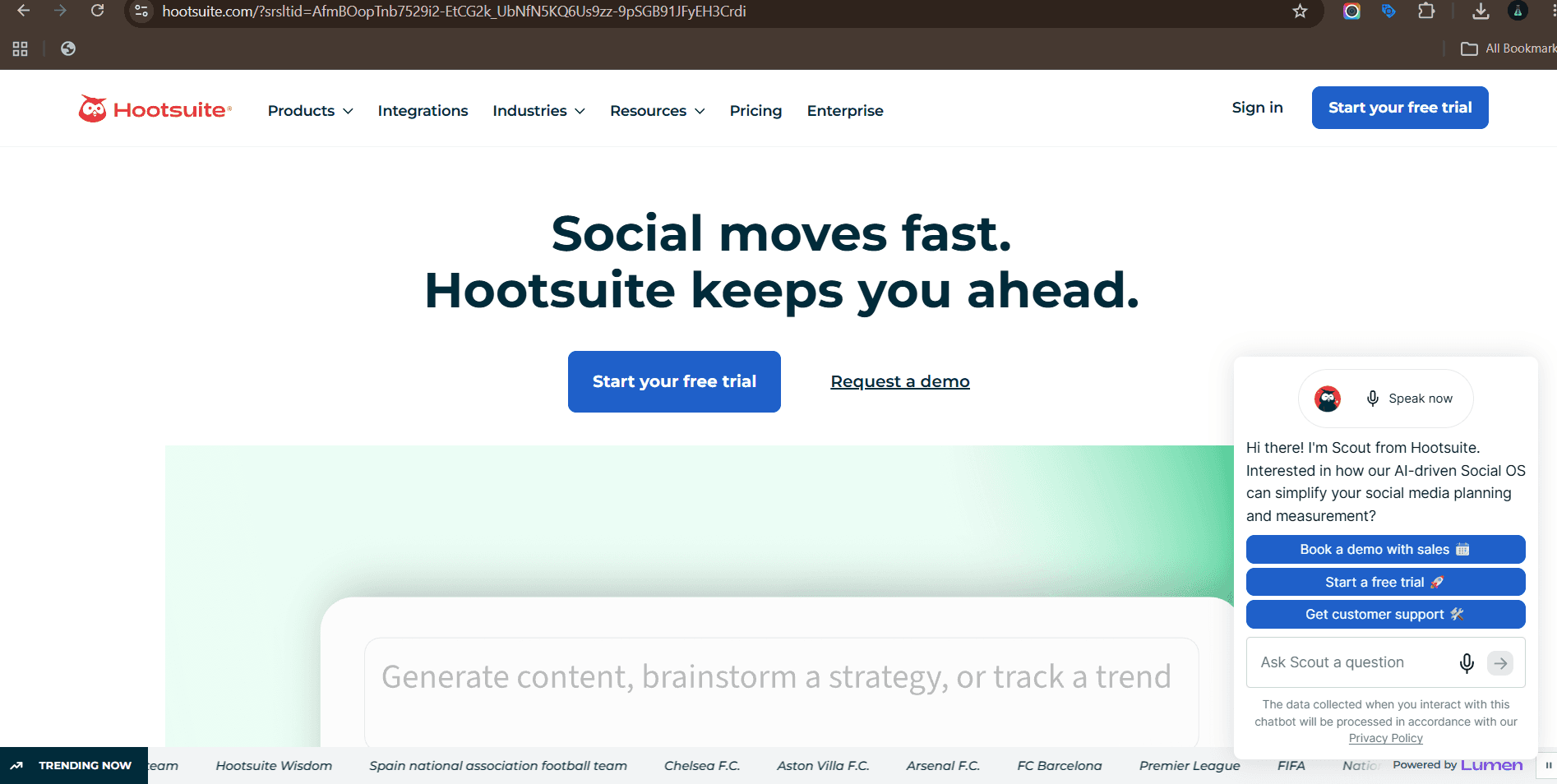
Hootsuite: teams managing many accounts across networks.
OwlyWriter AI generates captions, post ideas and hooks from a link, a past top post or a topic. Combined with scheduling and inbox management, it covers most of a social manager's day in one place.
The generated captions are a starting point rather than final copy. Rewrite the opening line yourself and the post stops sounding automated.
Best for: teams managing many accounts across networks.
Watch out for: interface complexity. There is more here than a small team needs.
Sprout Social
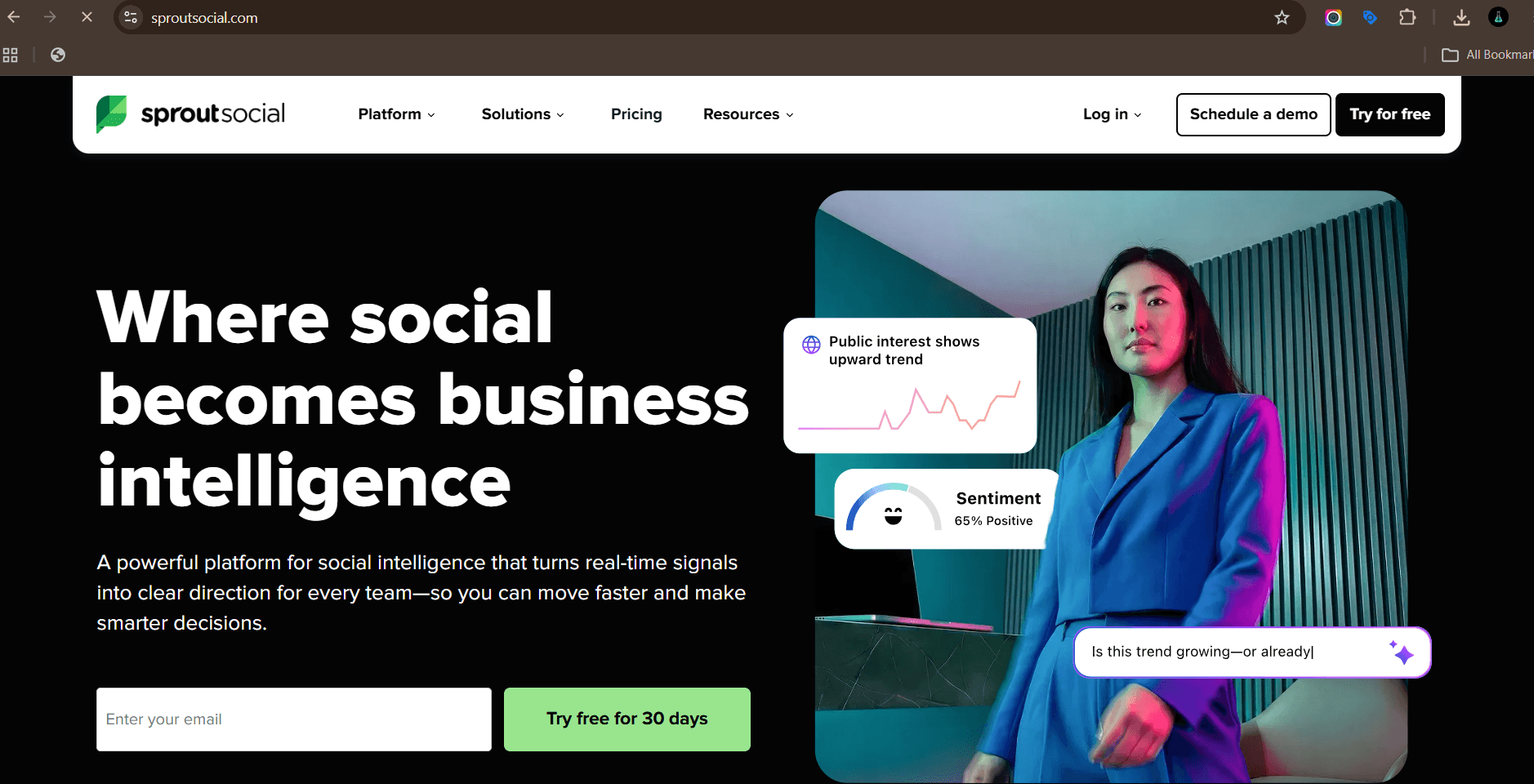
Sprout Social: agencies and brands that need listening plus client-ready reporting.
Sprout is the reporting and listening layer. AI summarises inbound message sentiment, suggests replies, groups conversation themes and turns raw engagement data into something you can put in a client report.
For agencies, the reporting output is often the reason to buy it.
Best for: agencies and brands that need listening plus client-ready reporting.
Watch out for: it is priced for larger teams. Confirm current plans with Sprout before budgeting.
Predis.ai
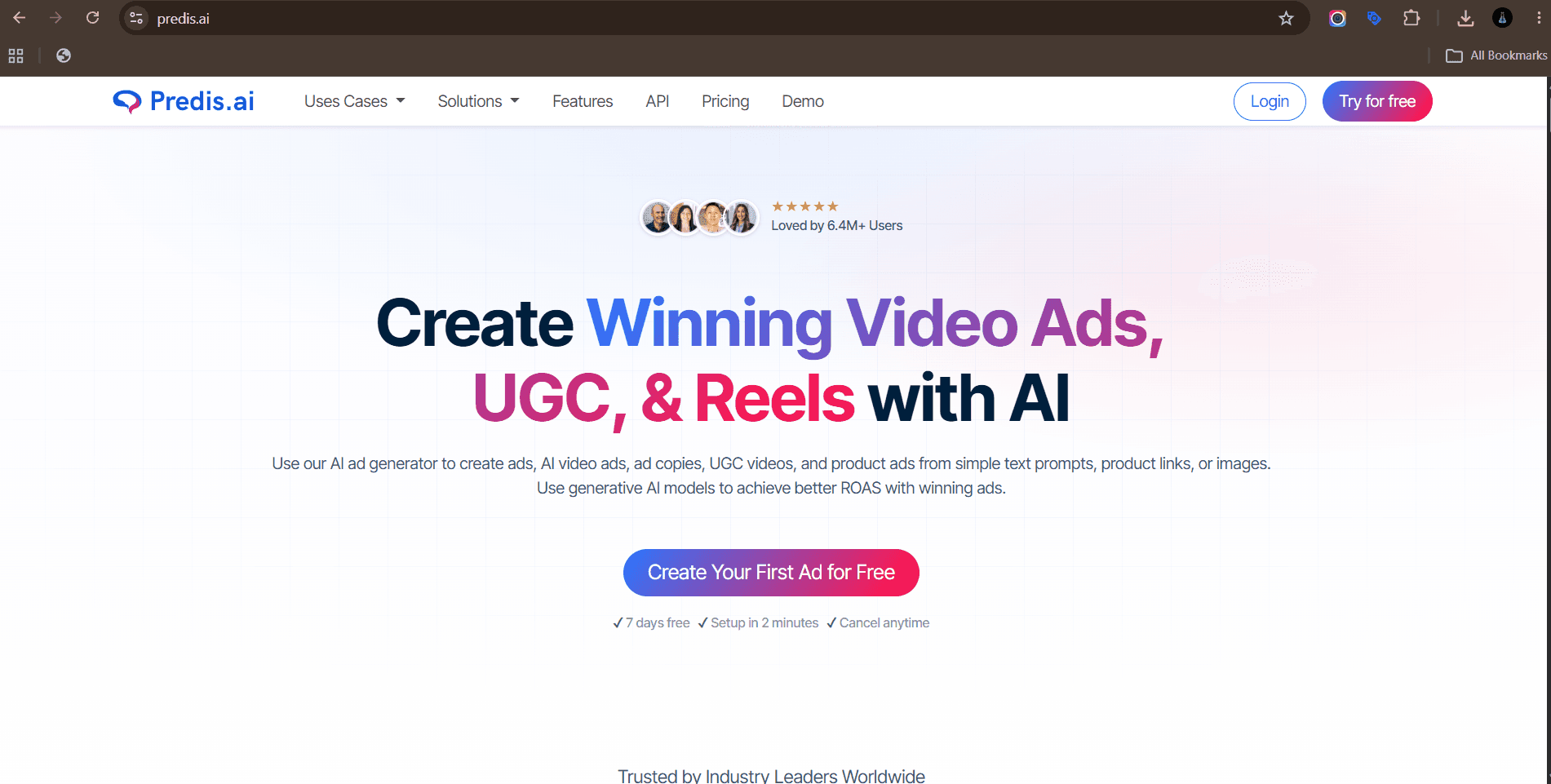
Predis.ai: high volume social output with minimal design resource.
Predis generates the creative and the caption together, so you get a finished post rather than text you still need to design. Carousels, single images and short videos, with competitor analysis on top.
Useful for filling a content calendar quickly when the brand look is simple and consistent.
Best for: high volume social output with minimal design resource.
Watch out for: the visual style is template driven. Strong brands will need custom design on top.
Writing is where most teams start, and where the quality gap between good and bad use shows up fastest. These five cover drafting, brand voice, search structure and final proofing.
ChatGPT
ChatGPT: fast drafting, repurposing and idea volume.
Everyone starts here, and for good reason. ChatGPT handles first drafts, outlines, research summaries and rewrites across almost any format. Feed it a transcript and it will pull ten social posts out of it. Feed it your last five email subject lines and it will give you twenty more in the same voice.
Where it earns its keep is repurposing. One webinar recording becomes a blog post, a LinkedIn carousel, six short captions and a newsletter, all inside an hour.
Best for: fast drafting, repurposing and idea volume.
Watch out for: generic phrasing when you prompt lazily. Give it real examples of your writing or you get filler.
Claude
Claude: long documents, brand voice matching and heavy editing.
Claude holds long context well, which matters when you are working with full transcripts, brand guidelines and old blog archives at the same time. It follows structural instructions closely, so if you tell it your H2s must be phrased as search queries, it holds that rule across a 3,000 word piece.
Teams tend to use it for editing more than generating. Paste a draft, give it a voice brief, and ask it to cut everything that sounds like a press release.
Best for: long documents, brand voice matching and heavy editing.
Watch out for: it will happily produce polished text around a weak idea. The idea is still your job.
Jasper
Jasper: marketing teams that need one voice across many writers.
Jasper is built for marketing teams rather than general use. You load brand voice, style rules and audience profiles once, then every output runs through them. Campaign workflows let you generate a full set of assets from a single brief.
It matters most when several writers need consistent output. Instead of each person prompting differently, the voice settings do the standardising.
Best for: marketing teams that need one voice across many writers.
Watch out for: you still need a strong voice guide. Weak inputs make the brand controls decorative.
Surfer SEO
Surfer SEO: on-page structure and topical coverage checks.
Surfer analyses what is already ranking for your keyword and builds a brief around it: word count range, headings to cover, terms to include and questions people ask. As you write, it scores coverage in real time.
Treat the score as a floor, not a target. Hitting 90 means you covered the topic. It does not mean the piece is worth reading.
Best for: on-page structure and topical coverage checks.
Watch out for: chasing the score. Over-optimised copy reads like a keyword list with punctuation.
Grammarly
Grammarly: final proofing and tone consistency.
The last pass before publishing. Grammarly catches the small things that make content look unedited: tense drift, repeated sentence openers, tone that swings from casual to corporate in the same paragraph.
For teams publishing several pieces a week, the tone consistency check does more work than the grammar check.
Best for: final proofing and tone consistency.
Watch out for: accepting every suggestion. It will sand down the sentences that give writing character.
What are the best AI tools for images and design?
Visual output is now the bottleneck for most content teams. You can write ten posts in a morning and still wait three days for the graphics. These four close that gap in different ways.
Midjourney
Midjourney: concept art, campaign visuals and mood boards.
Still the strongest option for stylised visuals. Campaign key art, abstract backgrounds, concept frames for a video shoot, mood boards for a client pitch. The output has a look that stock libraries cannot match.
Most teams use it upstream. Generate directions, pick one, then hand it to a designer to finish properly.
Best for: concept art, campaign visuals and mood boards.
Watch out for: brand consistency. Getting the same style twice takes reference images and careful prompting.
Adobe Firefly
Adobe Firefly: production work inside an existing Adobe workflow.
Firefly sits inside Photoshop, Illustrator and Express, so generation happens where the design work already lives. Generative fill for extending backgrounds, generative expand for resizing a hero image across placements, text effects for campaign graphics.
The commercial licensing position is the reason many brand and legal teams approve Firefly before anything else. Check the current terms with Adobe directly before you assume coverage.
Best for: production work inside an existing Adobe workflow.
Watch out for: it is less adventurous stylistically than Midjourney.
Canva Magic Studio
Canva Magic Studio: social teams and non-designers shipping high volume.
Canva turned into an AI suite without losing the thing that made it useful: templates that non-designers can actually finish. Magic Write drafts copy in a design, Magic Switch resizes one asset into every placement, background remover and magic eraser handle the edits that used to need Photoshop.
For social teams shipping daily, the resize function alone saves hours a week.
Best for: social teams and non-designers shipping high volume.
Watch out for: template sameness. Everyone has access to the same starting points.
Ideogram
Ideogram: image concepts that need legible text.
The specific problem Ideogram solves is text inside images. Most generators mangle words. Ideogram renders readable typography, which makes it useful for ad concepts, poster mockups, logo directions and thumbnail text.
It will not replace a designer for final assets, but it gets a concept in front of a client fast.
Best for: image concepts that need legible text.
Watch out for: fine typography control. Kerning and hierarchy still need a real design tool.
Which AI tools create video and UGC content?
Video is the highest cost format and the one AI has changed most. The tools split into generation, presenters, editing and clipping. Most teams need two of the four, not all five.
Runway
Runway: generated B-roll, motion and video effects.
Text to video, image to video, and a set of editing tools that go beyond generation: background removal without a green screen, motion tracking, frame interpolation, inpainting on video.
The practical use in marketing is B-roll and transitions. Generating a full narrative ad from a prompt is still unreliable. Generating five seconds of abstract motion for a product reveal is not.
Best for: generated B-roll, motion and video effects.
Watch out for: shot consistency across a sequence. Plan for iteration.
Synthesia
Synthesia: explainer and training video at scale, especially multilingual.
Script in, presenter video out, in a long list of languages. Product explainers, internal training, onboarding sequences and localised versions of the same video without rebooking a shoot.
The economics change when you need one video in eight languages. That is a shoot and eight edits, or one script and eight renders.
Best for: explainer and training video at scale, especially multilingual.
Watch out for: it reads as corporate. It is not the right tool for creator-style social content.
HeyGen
HeyGen: UGC style ad variants and video localisation.
HeyGen leans towards social. Avatar UGC ads that look like a person talking to camera, video translation with lip sync, and custom avatars trained on your own footage or a client spokesperson.
For paid social testing this is the volume unlock. Fifteen hook variations of the same script, each with a different presenter, in an afternoon.
Best for: UGC style ad variants and video localisation.
Watch out for: disclosure. Be clear when a spokesperson is synthetic, and get written consent for any real likeness.
Descript
Descript: talking head, podcast and interview editing.
Descript transcribes your video and lets you edit it like a document. Delete a sentence in the transcript and it disappears from the timeline. Filler word removal, studio sound cleanup, eye contact correction and clip generation all sit in the same place.
For podcast and interview content it removes the slowest part of the process.
Best for: talking head, podcast and interview editing.
Watch out for: heavy edits can leave audible jump cuts. Listen back before publishing.
OpusClip
OpusClip: turning long video into short form at volume.
Upload a long video and get vertical clips back with captions, reframing and a ranking of which moments are most likely to perform. It is the fastest route from one webinar to a month of short form.
The clip selection is a starting point. A human still picks the ones that match the brand and fixes the caption timing.
Best for: turning long video into short form at volume.
Watch out for: clips that cut mid-thought. Always review before scheduling.
What are the best AI tools for social media?
Social tools are less about generating content and more about keeping a calendar full without a person doing manual work all day. Scheduling, captioning, listening and reporting.
Buffer
Buffer: small teams and solo marketers who want scheduling plus light AI help.
Scheduling with an AI assistant attached. Draft a post, ask for three variations, adapt the same idea for each network, then queue everything against a posting schedule.
Buffer stays useful because it is simple. Small teams do not need enterprise social software, they need a queue that works.
Best for: small teams and solo marketers who want scheduling plus light AI help.
Watch out for: shallow analytics compared with enterprise platforms.
Hootsuite
Hootsuite: teams managing many accounts across networks.
OwlyWriter AI generates captions, post ideas and hooks from a link, a past top post or a topic. Combined with scheduling and inbox management, it covers most of a social manager's day in one place.
The generated captions are a starting point rather than final copy. Rewrite the opening line yourself and the post stops sounding automated.
Best for: teams managing many accounts across networks.
Watch out for: interface complexity. There is more here than a small team needs.
Sprout Social
Sprout Social: agencies and brands that need listening plus client-ready reporting.
Sprout is the reporting and listening layer. AI summarises inbound message sentiment, suggests replies, groups conversation themes and turns raw engagement data into something you can put in a client report.
For agencies, the reporting output is often the reason to buy it.
Best for: agencies and brands that need listening plus client-ready reporting.
Watch out for: it is priced for larger teams. Confirm current plans with Sprout before budgeting.
Predis.ai
Predis.ai: high volume social output with minimal design resource.
Predis generates the creative and the caption together, so you get a finished post rather than text you still need to design. Carousels, single images and short videos, with competitor analysis on top.
Useful for filling a content calendar quickly when the brand look is simple and consistent.
Best for: high volume social output with minimal design resource.
Watch out for: the visual style is template driven. Strong brands will need custom design on top.

Paid media automation moved from targeting to creative. Both major platforms now want you to hand over placement and bidding decisions and spend your time on assets instead. These four cover platform automation and the creative supply that feeds it.
Meta Advantage+
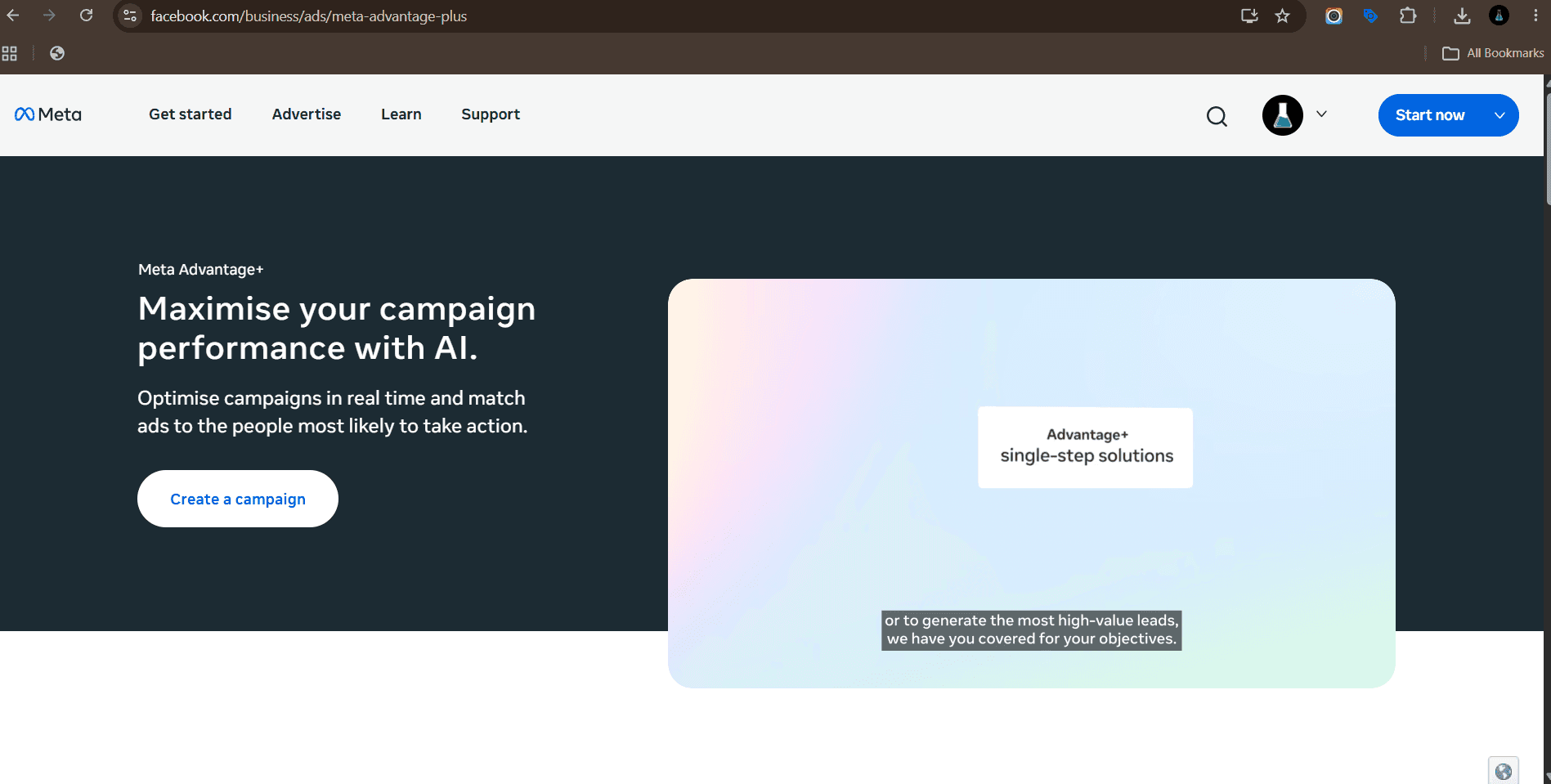
Meta Advantage+: scaling spend once you have several distinct creative concepts.
This is Meta's own automation layer inside Ads Manager. It handles placement, audience expansion, budget allocation across ad sets and automatic creative variations like cropping, text overlays and music.
The thing that decides performance now is creative volume. Advantage+ needs different assets to test, not different targeting settings. Feed it ten genuinely different hooks and it will find the winner faster than you can.
Best for: scaling spend once you have several distinct creative concepts.
Watch out for: black box reporting. Track incrementality separately rather than trusting platform attribution alone.
Google Performance Max
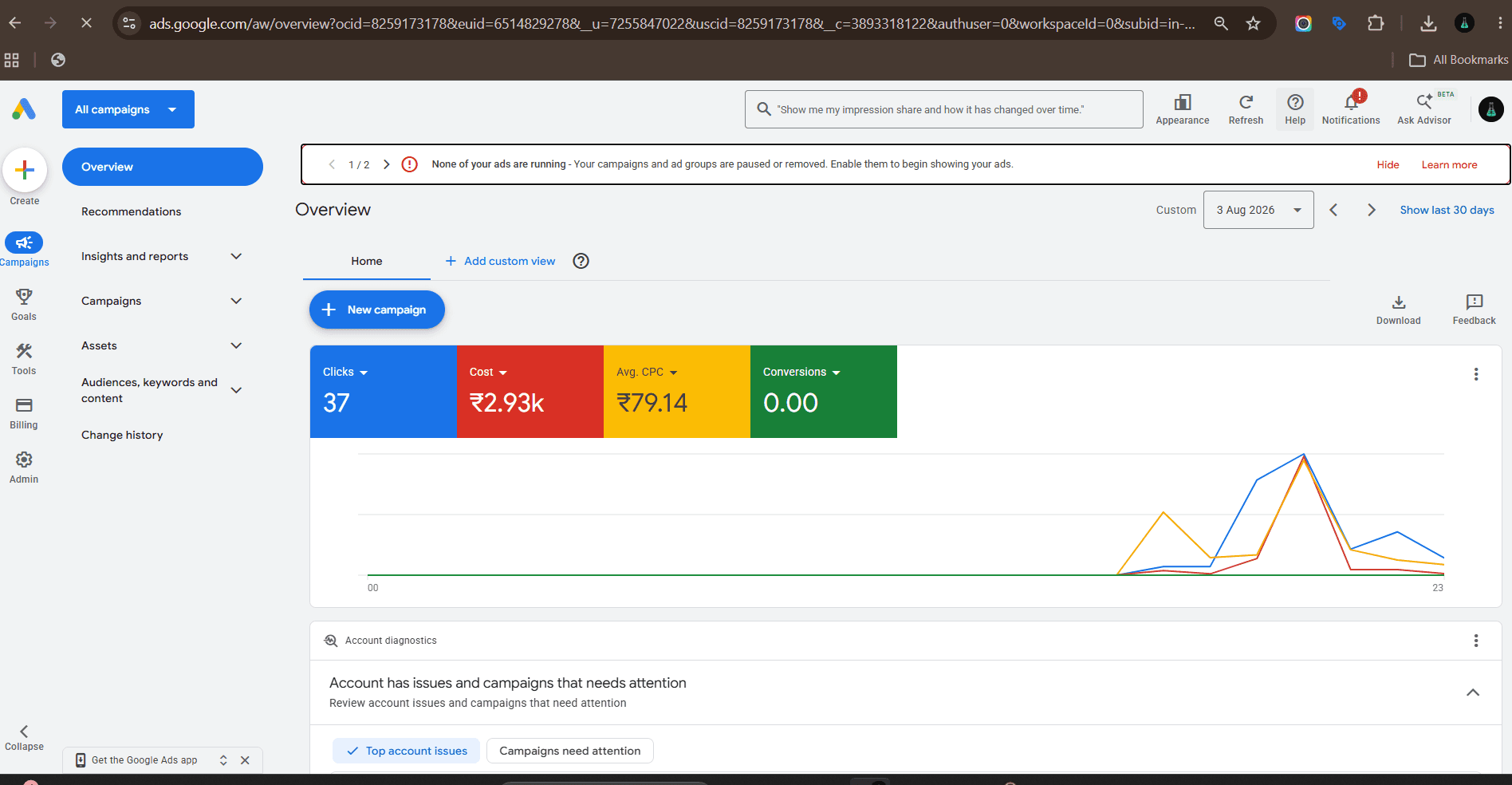
Google Performance Max: ecommerce and lead gen accounts with solid conversion tracking.
One campaign type that serves across Search, YouTube, Display, Discover, Gmail and Maps. You supply asset groups, audience signals and conversion goals, and Google decides placement and bidding.
Asset quality is the lever you actually control. Weak headlines and one video mean weak output, regardless of budget.
Best for: ecommerce and lead gen accounts with solid conversion tracking.
Watch out for: limited placement visibility. Use brand exclusions and check search term reports carefully.
AdCreative.ai
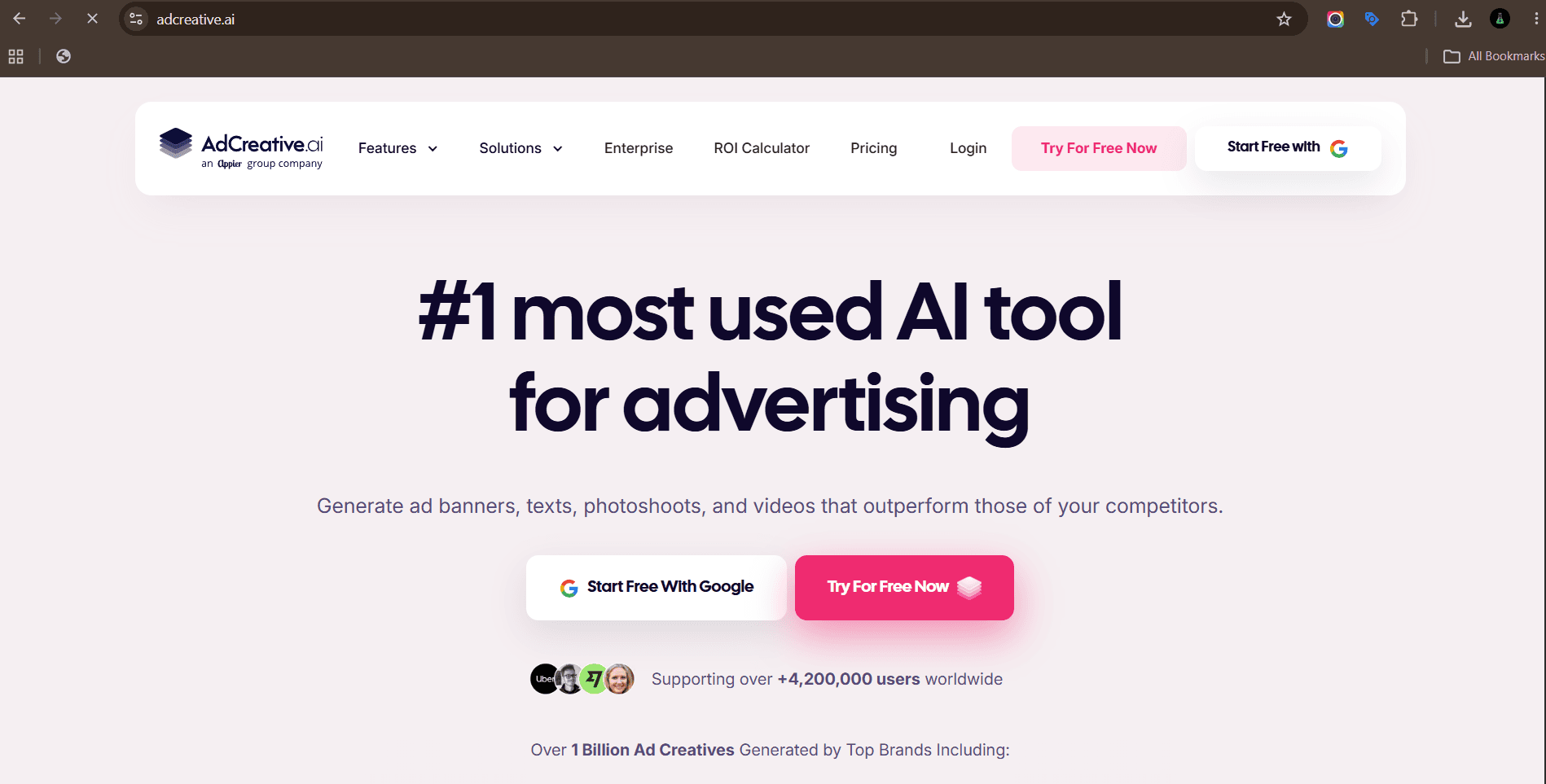
AdCreative.ai: producing many ad variants fast for testing.
Generates ad creative in bulk, sized for each platform, and scores each variant on predicted performance before you spend anything. It also produces matching headlines and descriptions.
The score is directional, not gospel. Treat it as a way to cut obviously weak options before testing, not as a replacement for testing.
Best for: producing many ad variants fast for testing.
Watch out for: outputs can look templated. Layer real brand design over the top for anything long running.
Madgicx
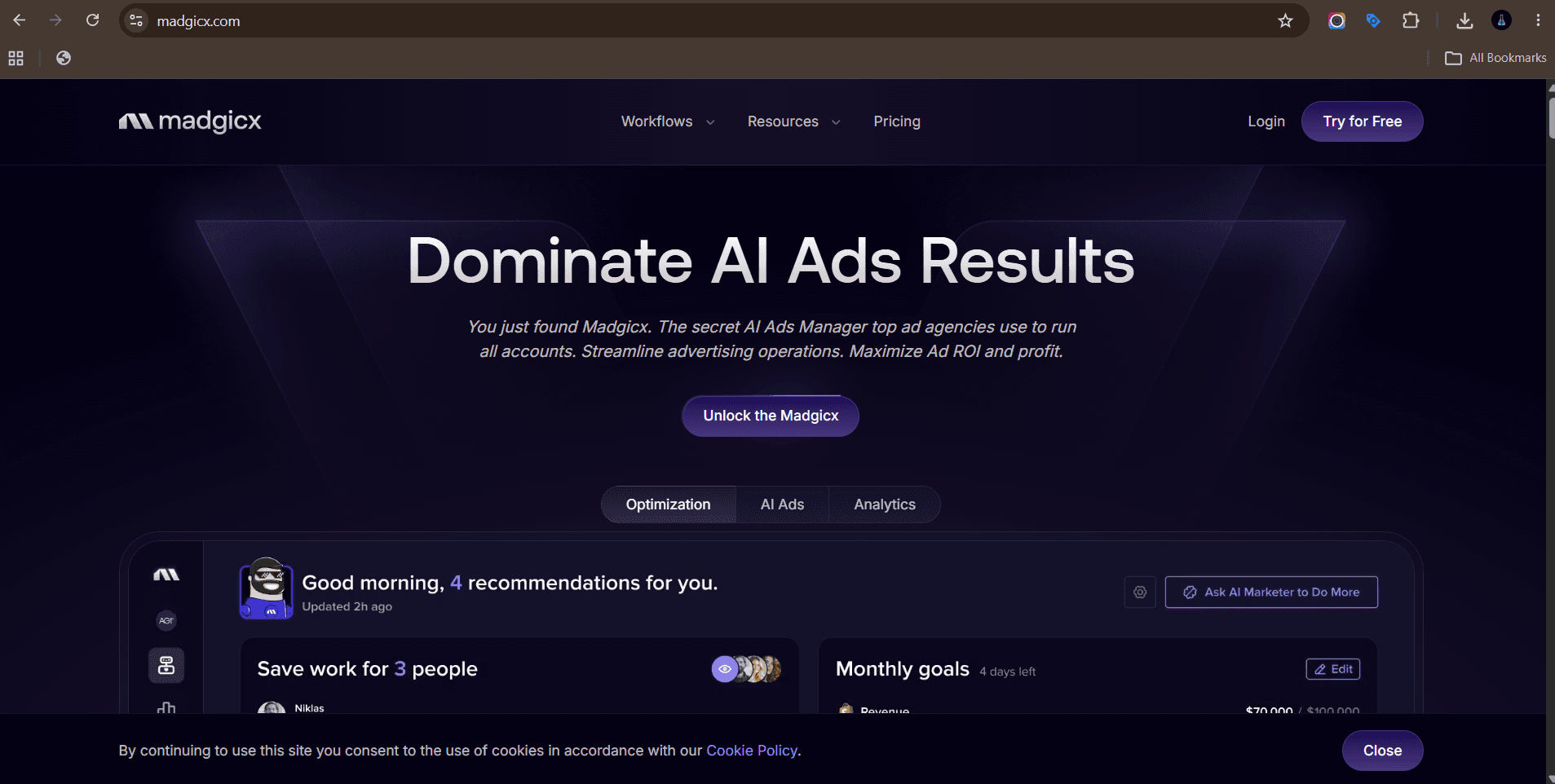
Madgicx: media buyers running Meta at scale who want creative level analysis.
Madgicx sits on top of Meta ads and analyses which creative elements are driving results, then automates budget shifts and rules. The creative insights view breaks performance down by hook, format and angle.
The value is knowing which creative angle works, not just which ad ID won.
Best for: media buyers running Meta at scale who want creative level analysis.
Watch out for: it needs meaningful spend and data volume before the insights are reliable.
What AI tools help a business grow beyond content?
Content that nobody routes, tracks or follows up on does not grow a business. These three connect production to pipeline.
HubSpot Breeze
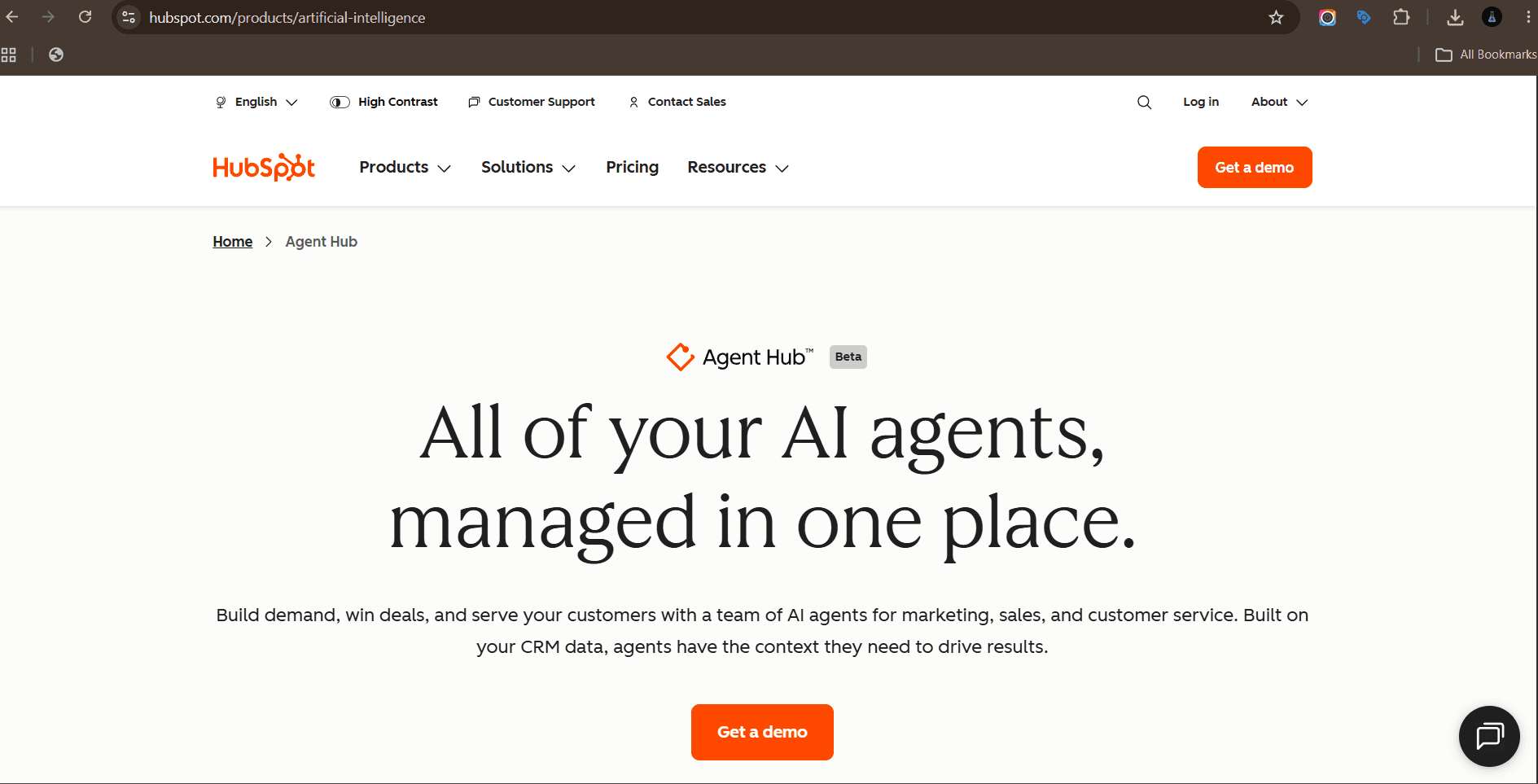
HubSpot Breeze: teams already running HubSpot as their CRM.
AI across the CRM: drafting outbound email, summarising deal activity, enriching contact records, suggesting next actions and answering questions about your pipeline in plain language.
The advantage is context. It is writing from your actual customer data rather than a blank prompt.
Best for: teams already running HubSpot as their CRM.
Watch out for: data hygiene. Bad CRM data produces confidently wrong summaries.
Notion AI
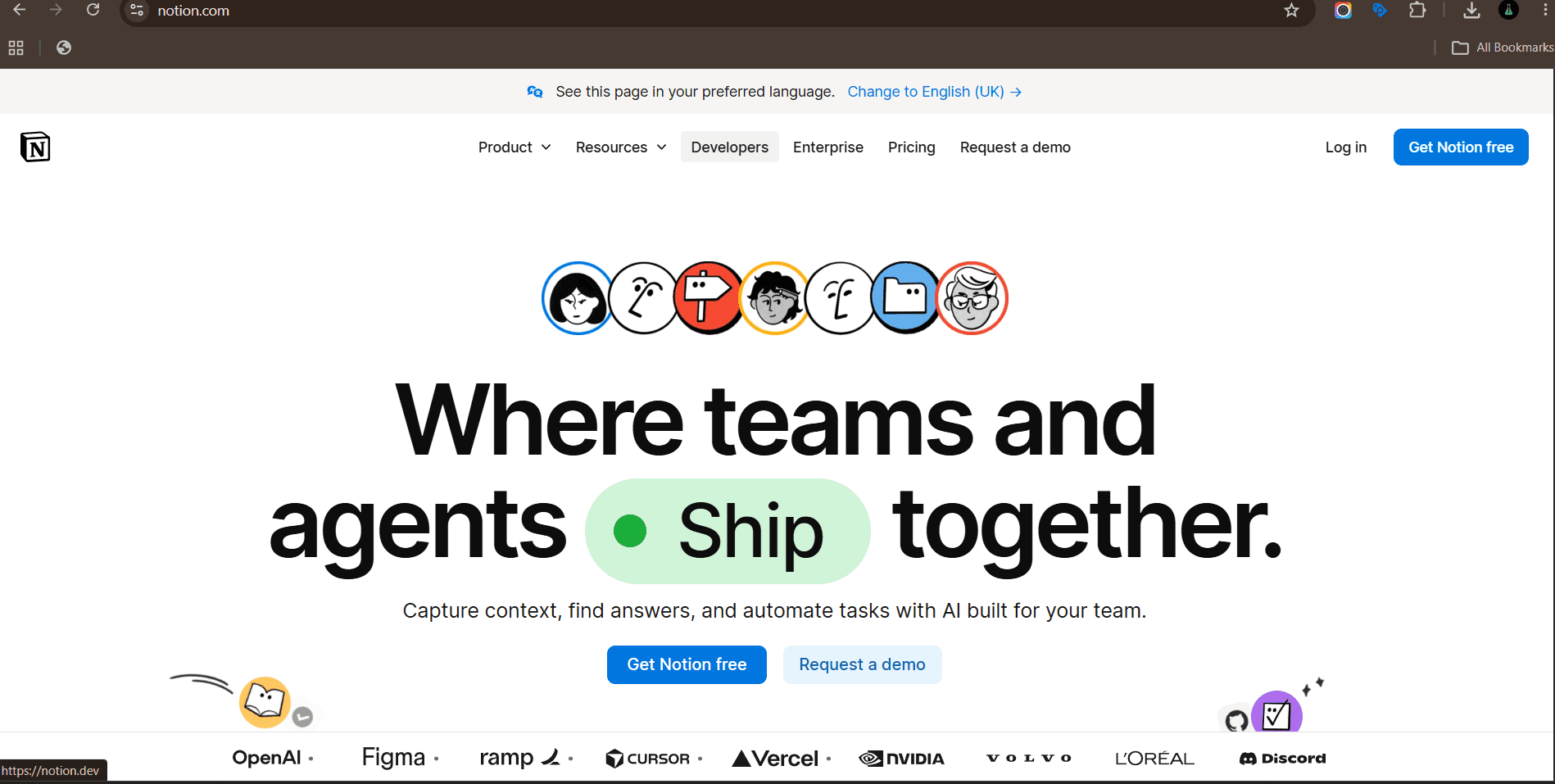
Notion AI: internal knowledge, briefs and documentation.
Search across every document your team has written, summarise long threads, draft from existing notes and answer questions using your internal knowledge base.
For content teams it becomes the brief archive: past campaigns, voice guidelines, client feedback, all searchable in natural language.
Best for: internal knowledge, briefs and documentation.
Watch out for: it only knows what your team wrote down. Messy workspaces give messy answers.
Zapier

Zapier: joining your content tools into one repeatable process.
Zapier is the connective tissue. New blog post published, so create the social variants, drop them in the review folder, notify the channel and add a row to the tracker. AI steps can generate or classify content inside the workflow.
Most teams underuse this. The tools are fine on their own, the compounding comes from linking them.
Best for: joining your content tools into one repeatable process.
Watch out for: silent failures. Build error alerts into anything business critical.
How do you choose the best AI tool for content creation?
Work backwards from the bottleneck, not forwards from the feature list.
Name the bottleneck. Is it drafting, design, video, or the fact that nothing gets published on time? Write it down in one sentence.
Pick one tool for that layer only. Do not buy a stack for a problem you have not defined.
Run a two week test on real work. Not sample prompts. Actual client deliverables with actual deadlines.
Measure time to publish, not output volume. More drafts sitting unpublished is not progress.
Check the licensing before anything goes public, especially for generated images and any synthetic likeness.
Confirm it exports cleanly into what you already use. A tool that traps assets inside its own editor creates work later.
Assign an owner. Tools without a named owner get paid for and forgotten inside three months.
How do you build an AI content workflow that does not sound like AI?
The tools are not the problem. Unedited output is. This is the sequence that keeps quality up when volume goes up.
Start with a real input. A customer call, a sales objection, a support ticket, a founder opinion. Never start with a blank prompt.
Give the model examples of your voice, not adjectives. Three of your best posts beat any description of your tone.
Generate more than you need, then cut hard. Ten hooks, keep two.
Edit for specificity. Replace every vague claim with a number, a name or an example.
Cut the AI tells. Remove filler transitions, stacked adjectives, and sentences that could describe any company in any industry.
Add one thing only you know. A result, a mistake, an internal opinion. This is what makes it yours.
Have a human approve it before it goes live. Every time, including the low stakes posts.
What mistakes kill AI content quality?
Publishing first drafts. The model gives you raw material, not a finished asset.
Prompting with adjectives instead of examples. Telling it to be punchy does less than showing it punchy.
Using one tool for everything. General tools do general work.
Skipping fact checks. Generated statistics and citations are frequently wrong, and a wrong number in a client deliverable costs more than the time you saved.
Ignoring disclosure rules for synthetic presenters and likenesses.
Scaling volume before the quality bar is set. Ten mediocre posts a week trains your audience to scroll past you.
Frequently asked questions
What is the best AI tool for content creation?
There is no single best AI tool for content creation. For writing, ChatGPT and Claude cover most needs. For design, Canva Magic Studio suits volume work and Midjourney suits concepting. For video, HeyGen and Descript handle social and talking head content. Choose based on which stage of production is slowing you down.
Are AI content creation tools free?
Most offer a free tier with limits on generations, exports or resolution. Free tiers are usable for testing but rarely enough for commercial output. Pricing changes often, so check the current plans on each vendor site rather than relying on a list.
Which AI tools are best for content writing specifically?
ChatGPT and Claude for drafting and editing, Jasper when several writers need one brand voice, Surfer SEO for on-page structure and topical coverage, and Grammarly for the final proofing pass.
Can AI tools write social media content that performs?
They can produce volume and variation, which is genuinely useful for testing. They cannot supply a point of view. The posts that perform tend to be built on a specific opinion, result or story that a person supplied, then shaped with AI.
Do AI tools work for Facebook and Google ads?
Yes, in two ways. Meta Advantage+ and Google Performance Max automate placement, bidding and audience decisions inside the platforms. Tools like AdCreative.ai and Madgicx sit alongside them to produce and analyse the creative that automation needs to test.
Will Google penalise AI generated content?
Google's stated position is that it rewards helpful, original content regardless of how it was produced, and acts against content made mainly to manipulate rankings. Thin, unedited output is the risk. Content with real expertise, original input and proper editing is not.
How many AI tools does a content team actually need?
Three or four. One for writing, one for visuals, one for video if video is part of your mix, and one automation layer to connect them. Teams with fifteen subscriptions usually have a process problem, not a tooling problem.
Paid media automation moved from targeting to creative. Both major platforms now want you to hand over placement and bidding decisions and spend your time on assets instead. These four cover platform automation and the creative supply that feeds it.
Meta Advantage+
Meta Advantage+: scaling spend once you have several distinct creative concepts.
This is Meta's own automation layer inside Ads Manager. It handles placement, audience expansion, budget allocation across ad sets and automatic creative variations like cropping, text overlays and music.
The thing that decides performance now is creative volume. Advantage+ needs different assets to test, not different targeting settings. Feed it ten genuinely different hooks and it will find the winner faster than you can.
Best for: scaling spend once you have several distinct creative concepts.
Watch out for: black box reporting. Track incrementality separately rather than trusting platform attribution alone.
Google Performance Max
Google Performance Max: ecommerce and lead gen accounts with solid conversion tracking.
One campaign type that serves across Search, YouTube, Display, Discover, Gmail and Maps. You supply asset groups, audience signals and conversion goals, and Google decides placement and bidding.
Asset quality is the lever you actually control. Weak headlines and one video mean weak output, regardless of budget.
Best for: ecommerce and lead gen accounts with solid conversion tracking.
Watch out for: limited placement visibility. Use brand exclusions and check search term reports carefully.
AdCreative.ai
AdCreative.ai: producing many ad variants fast for testing.
Generates ad creative in bulk, sized for each platform, and scores each variant on predicted performance before you spend anything. It also produces matching headlines and descriptions.
The score is directional, not gospel. Treat it as a way to cut obviously weak options before testing, not as a replacement for testing.
Best for: producing many ad variants fast for testing.
Watch out for: outputs can look templated. Layer real brand design over the top for anything long running.
Madgicx
Madgicx: media buyers running Meta at scale who want creative level analysis.
Madgicx sits on top of Meta ads and analyses which creative elements are driving results, then automates budget shifts and rules. The creative insights view breaks performance down by hook, format and angle.
The value is knowing which creative angle works, not just which ad ID won.
Best for: media buyers running Meta at scale who want creative level analysis.
Watch out for: it needs meaningful spend and data volume before the insights are reliable.
What AI tools help a business grow beyond content?
Content that nobody routes, tracks or follows up on does not grow a business. These three connect production to pipeline.
HubSpot Breeze
HubSpot Breeze: teams already running HubSpot as their CRM.
AI across the CRM: drafting outbound email, summarising deal activity, enriching contact records, suggesting next actions and answering questions about your pipeline in plain language.
The advantage is context. It is writing from your actual customer data rather than a blank prompt.
Best for: teams already running HubSpot as their CRM.
Watch out for: data hygiene. Bad CRM data produces confidently wrong summaries.
Notion AI
Notion AI: internal knowledge, briefs and documentation.
Search across every document your team has written, summarise long threads, draft from existing notes and answer questions using your internal knowledge base.
For content teams it becomes the brief archive: past campaigns, voice guidelines, client feedback, all searchable in natural language.
Best for: internal knowledge, briefs and documentation.
Watch out for: it only knows what your team wrote down. Messy workspaces give messy answers.
Zapier
Zapier: joining your content tools into one repeatable process.
Zapier is the connective tissue. New blog post published, so create the social variants, drop them in the review folder, notify the channel and add a row to the tracker. AI steps can generate or classify content inside the workflow.
Most teams underuse this. The tools are fine on their own, the compounding comes from linking them.
Best for: joining your content tools into one repeatable process.
Watch out for: silent failures. Build error alerts into anything business critical.
How do you choose the best AI tool for content creation?
Work backwards from the bottleneck, not forwards from the feature list.
Name the bottleneck. Is it drafting, design, video, or the fact that nothing gets published on time? Write it down in one sentence.
Pick one tool for that layer only. Do not buy a stack for a problem you have not defined.
Run a two week test on real work. Not sample prompts. Actual client deliverables with actual deadlines.
Measure time to publish, not output volume. More drafts sitting unpublished is not progress.
Check the licensing before anything goes public, especially for generated images and any synthetic likeness.
Confirm it exports cleanly into what you already use. A tool that traps assets inside its own editor creates work later.
Assign an owner. Tools without a named owner get paid for and forgotten inside three months.
How do you build an AI content workflow that does not sound like AI?
The tools are not the problem. Unedited output is. This is the sequence that keeps quality up when volume goes up.
Start with a real input. A customer call, a sales objection, a support ticket, a founder opinion. Never start with a blank prompt.
Give the model examples of your voice, not adjectives. Three of your best posts beat any description of your tone.
Generate more than you need, then cut hard. Ten hooks, keep two.
Edit for specificity. Replace every vague claim with a number, a name or an example.
Cut the AI tells. Remove filler transitions, stacked adjectives, and sentences that could describe any company in any industry.
Add one thing only you know. A result, a mistake, an internal opinion. This is what makes it yours.
Have a human approve it before it goes live. Every time, including the low stakes posts.
What mistakes kill AI content quality?
Publishing first drafts. The model gives you raw material, not a finished asset.
Prompting with adjectives instead of examples. Telling it to be punchy does less than showing it punchy.
Using one tool for everything. General tools do general work.
Skipping fact checks. Generated statistics and citations are frequently wrong, and a wrong number in a client deliverable costs more than the time you saved.
Ignoring disclosure rules for synthetic presenters and likenesses.
Scaling volume before the quality bar is set. Ten mediocre posts a week trains your audience to scroll past you.
Frequently asked questions
What is the best AI tool for content creation?
There is no single best AI tool for content creation. For writing, ChatGPT and Claude cover most needs. For design, Canva Magic Studio suits volume work and Midjourney suits concepting. For video, HeyGen and Descript handle social and talking head content. Choose based on which stage of production is slowing you down.
Are AI content creation tools free?
Most offer a free tier with limits on generations, exports or resolution. Free tiers are usable for testing but rarely enough for commercial output. Pricing changes often, so check the current plans on each vendor site rather than relying on a list.
Which AI tools are best for content writing specifically?
ChatGPT and Claude for drafting and editing, Jasper when several writers need one brand voice, Surfer SEO for on-page structure and topical coverage, and Grammarly for the final proofing pass.
Can AI tools write social media content that performs?
They can produce volume and variation, which is genuinely useful for testing. They cannot supply a point of view. The posts that perform tend to be built on a specific opinion, result or story that a person supplied, then shaped with AI.
Do AI tools work for Facebook and Google ads?
Yes, in two ways. Meta Advantage+ and Google Performance Max automate placement, bidding and audience decisions inside the platforms. Tools like AdCreative.ai and Madgicx sit alongside them to produce and analyse the creative that automation needs to test.
Will Google penalise AI generated content?
Google's stated position is that it rewards helpful, original content regardless of how it was produced, and acts against content made mainly to manipulate rankings. Thin, unedited output is the risk. Content with real expertise, original input and proper editing is not.
How many AI tools does a content team actually need?
Three or four. One for writing, one for visuals, one for video if video is part of your mix, and one automation layer to connect them. Teams with fifteen subscriptions usually have a process problem, not a tooling problem.


Related Posts





Related Posts
Related Posts
Motion labs
info@motionlabs.agency


+971 55317 1706
C-1802, ONTARIO TOWER, PLOT NO. 49-0, BUSINESS BAY, DUBAI, 00000
click to meet me :)
click to meet me :)
© All Rights Reserved | 2026


Motion labs
info@motionlabs.agency
+971 55317 1706
C-1802, ONTARIO TOWER, PLOT NO. 49-0, BUSINESS BAY, DUBAI, 00000
Private policy
Terms & Conditions
© All Rights Reserved | 2026
click to meet me :)