/
/
Best Free AI Video Generator Without Watermark (USA, 2026)
Best Free AI Video Generator Without Watermark (USA, 2026)
5 min
read
Best Free AI Video Generator Without Watermark (USA, 2026)
Best Free AI Video Generator Without Watermark (USA, 2026)
Content
Marketing

Author

Scroll down
to read more!
Summerize with ChatGPT
Summerize with Gemini
Summerize with Claude
Best Free AI Video Generator Without Watermark (USA, 2026)
Best Free AI Video Generator Without Watermark (USA, 2026)
Looking for a free AI video generator with no watermark in the USA? Here are the tools that actually deliver clean, exportable video without forcing you to pay for watermark removal.
Looking for a free AI video generator with no watermark in the USA? Here are the tools that actually deliver clean, exportable video without forcing you to pay for watermark removal.
Most "free" AI video generators stamp a logo across your footage the moment you hit export. That defeats the purpose if you're making content for a brand, a client, or your own channel. This guide covers the tools that let US users generate video for free and download it clean, plus where the free tiers hit their limits.
If you'd rather skip the trial and error and get production-grade AI video content made for you, that's a different route worth considering too.
Quick answer
If you want the fastest path to a watermark-free clip, start with CapCut's AI video tools for short-form content or Pika Labs for text-to-video generation. Both offer free tiers without a forced watermark, though each caps your monthly output.
What "free without watermark" actually means
Free AI video tools generally fall into three categories:
Free with no watermark, but limited credits (like Pika, Runway's free tier in some regions)
Free with a watermark on export, removable only on paid plans (like early versions of many AI avatar tools)
Free for personal use, watermark-free, but blocked for commercial use (check the terms before using output in ads)
Read the terms of service before publishing anything commercially. Some tools allow personal, non-commercial use without a watermark but require a paid license the moment you monetize the video.
Most "free" AI video generators stamp a logo across your footage the moment you hit export. That defeats the purpose if you're making content for a brand, a client, or your own channel. This guide covers the tools that let US users generate video for free and download it clean, plus where the free tiers hit their limits.
If you'd rather skip the trial and error and get production-grade AI video content made for you, that's a different route worth considering too.
Quick answer
If you want the fastest path to a watermark-free clip, start with CapCut's AI video tools for short-form content or Pika Labs for text-to-video generation. Both offer free tiers without a forced watermark, though each caps your monthly output.
What "free without watermark" actually means
Free AI video tools generally fall into three categories:
Free with no watermark, but limited credits (like Pika, Runway's free tier in some regions)
Free with a watermark on export, removable only on paid plans (like early versions of many AI avatar tools)
Free for personal use, watermark-free, but blocked for commercial use (check the terms before using output in ads)
Read the terms of service before publishing anything commercially. Some tools allow personal, non-commercial use without a watermark but require a paid license the moment you monetize the video.

1. CapCut
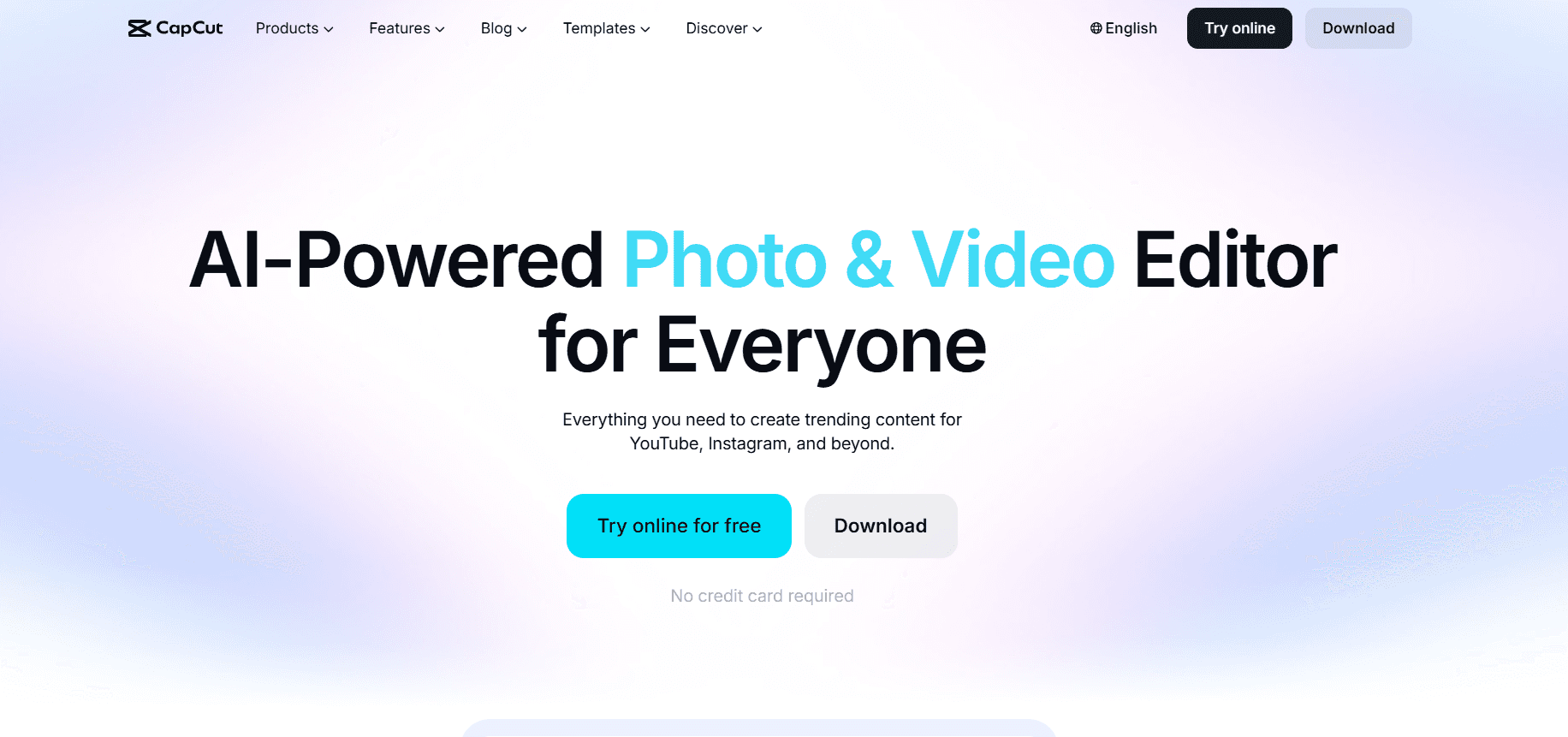
CapCut's AI features, including AI-generated B-roll, text-to-video, and auto-captions, are free with a Google or Apple account. Exports have no watermark on the free tier. Best for short-form content creators making Reels, TikToks, and YouTube Shorts. For a steadier pipeline of this kind of content, agencies running UGC at scale use tools like this alongside dedicated production workflows.
Limits: Some premium AI effects require CapCut Pro. Cloud rendering has a daily cap.
2. Pika Labs
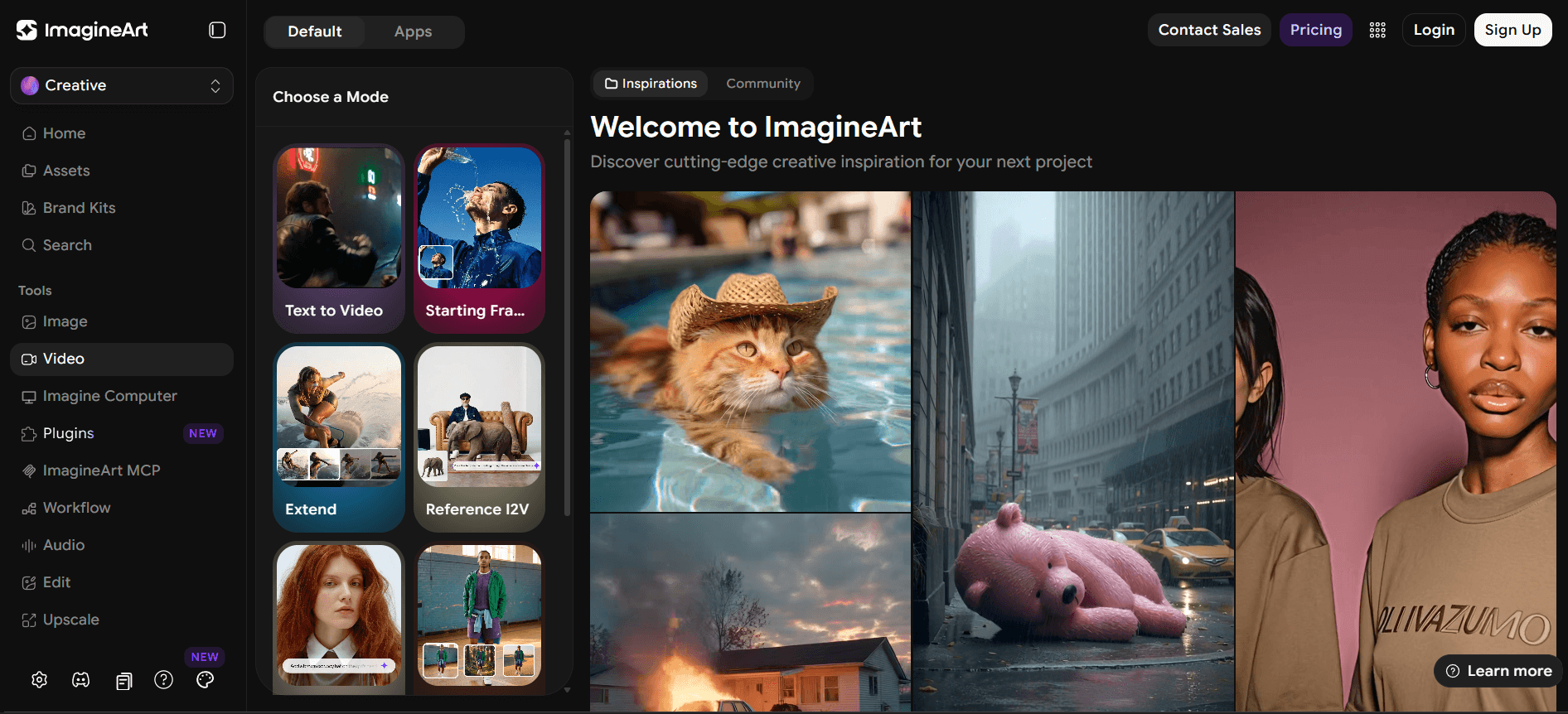
Pika generates short text-to-video and image-to-video clips (typically 3 to 10 seconds) with a genuinely free tier and no forced watermark. Good for social clips, product teasers, and quick concept tests.
Limits: Limited generations per month on the free plan. Clip length is short compared to paid tools.
3. Canva AI video tools (Magic Video)
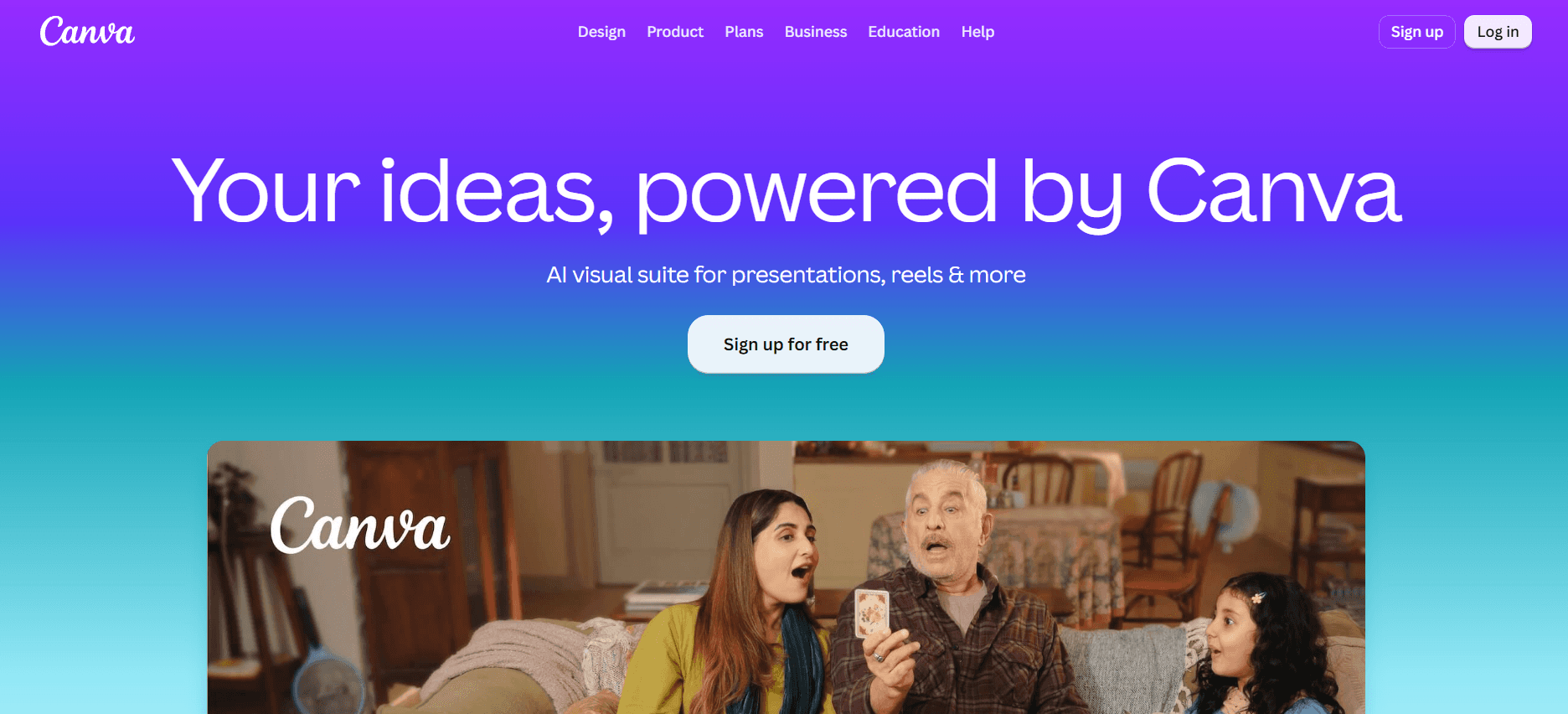
Canva's free plan includes AI video generation and editing with no watermark on standard exports. Works well if you're already building graphics or social posts in Canva and want to add motion without switching tools.
Limits: Some templates and stock assets are Canva Pro only.
4. Kling AI (free tier)
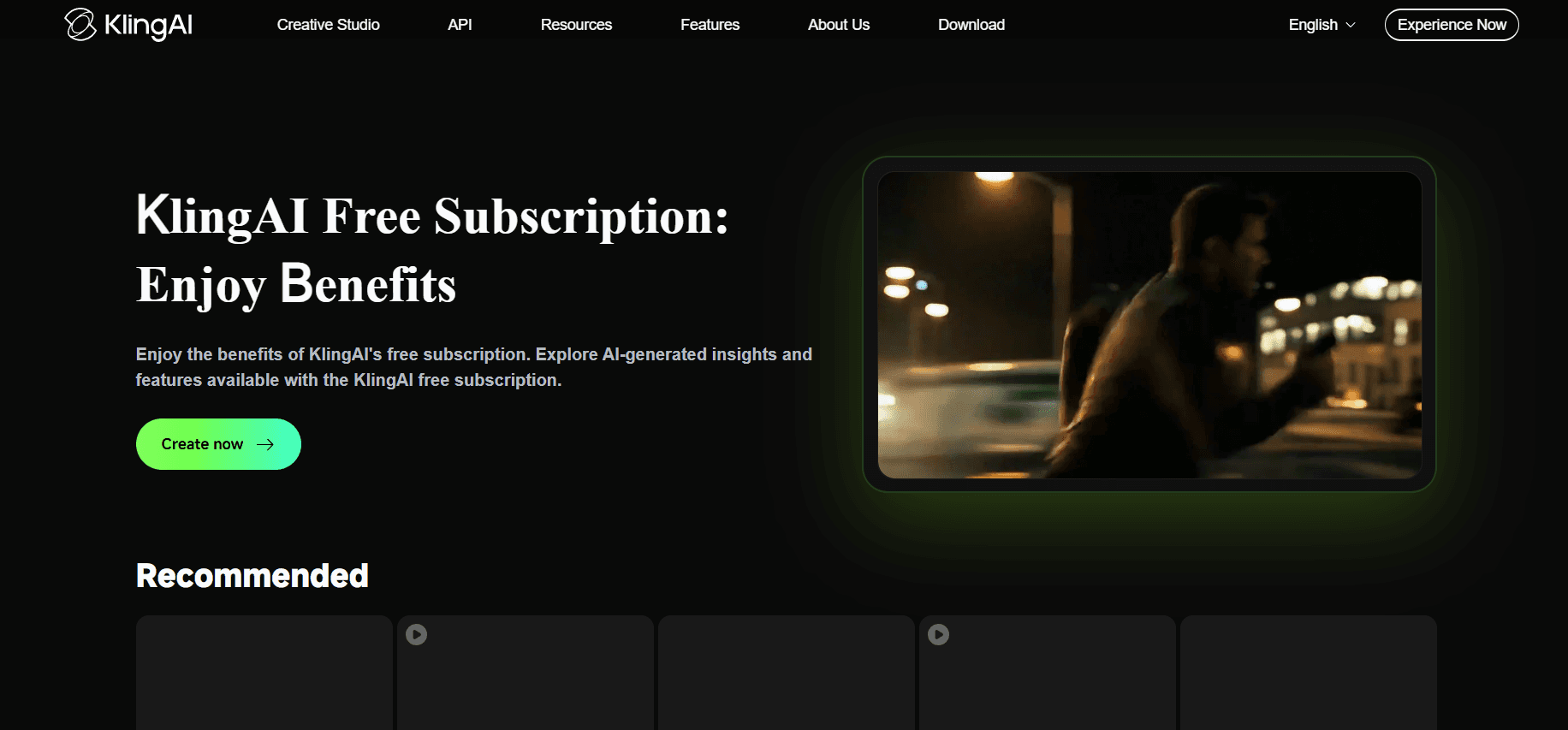
Kling produces longer, higher-fidelity clips than most free tools and does not force a watermark on its free tier. Output quality is closer to what paid tools like Runway or Luma charge for.
Limits: Daily and monthly generation credits are capped, and peak-hour queue times can be long on the free plan.
5. Adobe Firefly (free plan)
Firefly's free tier includes generative video credits with commercially safe training data, which matters if you plan to use the footage in ads or client work. No forced watermark on the free plan.
1. CapCut
CapCut's AI features, including AI-generated B-roll, text-to-video, and auto-captions, are free with a Google or Apple account. Exports have no watermark on the free tier. Best for short-form content creators making Reels, TikToks, and YouTube Shorts. For a steadier pipeline of this kind of content, agencies running UGC at scale use tools like this alongside dedicated production workflows.
Limits: Some premium AI effects require CapCut Pro. Cloud rendering has a daily cap.
2. Pika Labs
Pika generates short text-to-video and image-to-video clips (typically 3 to 10 seconds) with a genuinely free tier and no forced watermark. Good for social clips, product teasers, and quick concept tests.
Limits: Limited generations per month on the free plan. Clip length is short compared to paid tools.
3. Canva AI video tools (Magic Video)
Canva's free plan includes AI video generation and editing with no watermark on standard exports. Works well if you're already building graphics or social posts in Canva and want to add motion without switching tools.
Limits: Some templates and stock assets are Canva Pro only.
4. Kling AI (free tier)
Kling produces longer, higher-fidelity clips than most free tools and does not force a watermark on its free tier. Output quality is closer to what paid tools like Runway or Luma charge for.
Limits: Daily and monthly generation credits are capped, and peak-hour queue times can be long on the free plan.
5. Adobe Firefly (free plan)
Firefly's free tier includes generative video credits with commercially safe training data, which matters if you plan to use the footage in ads or client work. No forced watermark on the free plan.

Comparing the free tiers
Tool | Watermark on free plan | Typical clip length | Best for |
|---|---|---|---|
CapCut | No | Up to full video length | Short-form social edits |
Pika Labs | No | 3 to 10 seconds | Quick concept clips |
Canva Magic Video | No | Varies | Social graphics with motion |
Kling AI | No | Up to 10 seconds (free tier) | Higher-fidelity clips |
Adobe Firefly | No | Short clips, credit-based | Commercially safe content |
What to check before you commit to a tool
Commercial use rights: A free, watermark-free export doesn't always mean you can use it in paid ads or client deliverables. Check the license.
Resolution on export: Some tools keep resolution capped on free plans even without a watermark.
Credit refresh rate: Daily caps reset faster than monthly ones, which matters if you produce content every day.
Training data source: If you're a business, tools like Adobe Firefly that train on licensed data reduce copyright risk.
Frequently asked questions
Is there a truly unlimited free AI video generator with no watermark?
No. Every tool listed here has some cap, whether it's daily credits, monthly generations, or clip length. "Free and unlimited" for AI video generation does not currently exist because rendering costs real compute.
Can I use free AI-generated video commercially in the USA?
It depends on the tool's terms. CapCut, Canva, and Adobe Firefly generally allow commercial use on their free tiers, but always confirm the current terms before publishing paid ads or client work.
Which tool gives the best video quality for free?
Kling AI and Adobe Firefly tend to produce the highest fidelity among free tiers, though both come with tighter credit limits than CapCut or Canva.
Free tools are a solid starting point, but if you need consistent output tied to a real content creation and virality strategy, see our work for examples.
Comparing the free tiers
Tool | Watermark on free plan | Typical clip length | Best for |
|---|---|---|---|
CapCut | No | Up to full video length | Short-form social edits |
Pika Labs | No | 3 to 10 seconds | Quick concept clips |
Canva Magic Video | No | Varies | Social graphics with motion |
Kling AI | No | Up to 10 seconds (free tier) | Higher-fidelity clips |
Adobe Firefly | No | Short clips, credit-based | Commercially safe content |
What to check before you commit to a tool
Commercial use rights: A free, watermark-free export doesn't always mean you can use it in paid ads or client deliverables. Check the license.
Resolution on export: Some tools keep resolution capped on free plans even without a watermark.
Credit refresh rate: Daily caps reset faster than monthly ones, which matters if you produce content every day.
Training data source: If you're a business, tools like Adobe Firefly that train on licensed data reduce copyright risk.
Frequently asked questions
Is there a truly unlimited free AI video generator with no watermark?
No. Every tool listed here has some cap, whether it's daily credits, monthly generations, or clip length. "Free and unlimited" for AI video generation does not currently exist because rendering costs real compute.
Can I use free AI-generated video commercially in the USA?
It depends on the tool's terms. CapCut, Canva, and Adobe Firefly generally allow commercial use on their free tiers, but always confirm the current terms before publishing paid ads or client work.
Which tool gives the best video quality for free?
Kling AI and Adobe Firefly tend to produce the highest fidelity among free tiers, though both come with tighter credit limits than CapCut or Canva.
Free tools are a solid starting point, but if you need consistent output tied to a real content creation and virality strategy, see our work for examples.
the call your competitor wish you would'nt take


Related Posts





Related Posts
Related Posts
Motion labs
info@motionlabs.agency


+971 55317 1706
C-1802, ONTARIO TOWER, PLOT NO. 49-0, BUSINESS BAY, DUBAI, 00000
click to meet me :)
click to meet me :)
© All Rights Reserved | 2026


Motion labs
info@motionlabs.agency
+971 55317 1706
C-1802, ONTARIO TOWER, PLOT NO. 49-0, BUSINESS BAY, DUBAI, 00000
Private policy
Terms & Conditions
© All Rights Reserved | 2026
click to meet me :)